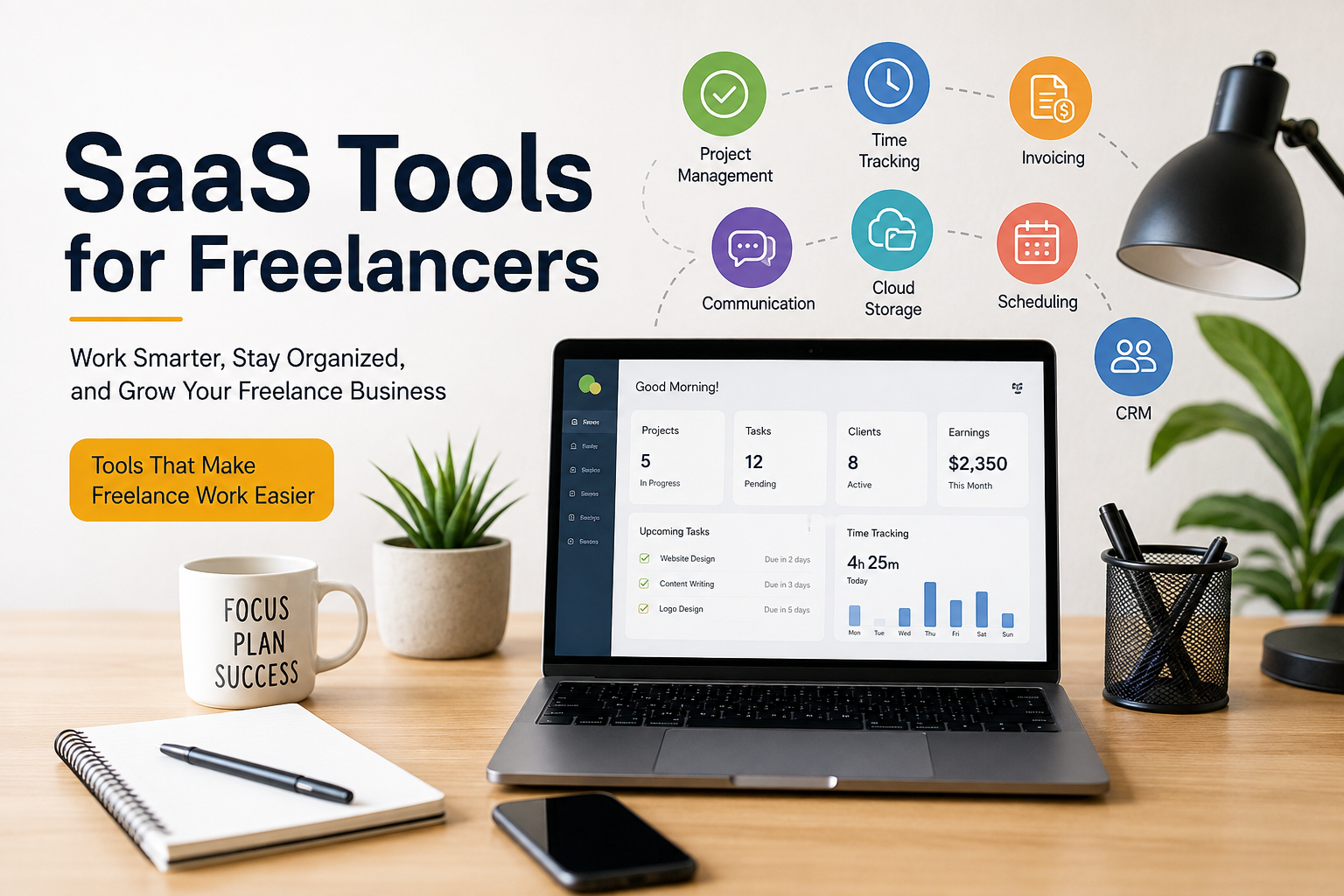
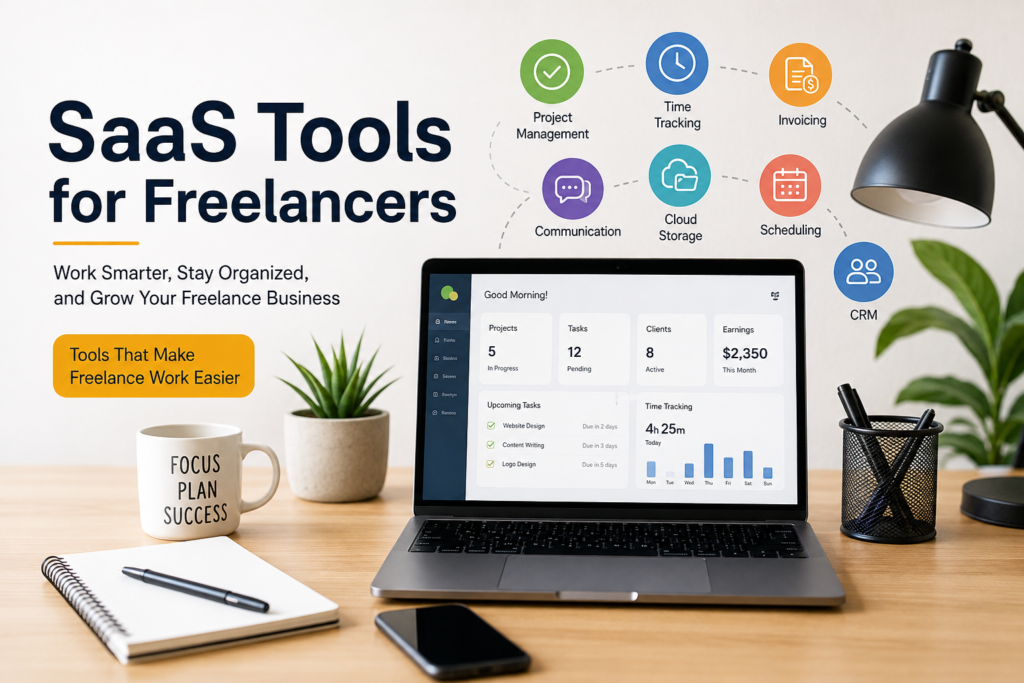
Freelancing sounds simple when we first start. We think we only need a skill, a laptop, and an internet connection. But after getting a few clients, I realized that freelancing is not only about doing the actual work. There are many other things that need attention, such as managing clients, sending invoices, tracking projects, organizing files, communicating with customers, managing time, and keeping everything on schedule.
This is where SaaS tools can make a big difference.
SaaS means Software as a Service. In simple words, these are online software tools that we can use through a browser or an app without installing complicated programs on our computers. Many SaaS tools work with monthly or yearly subscriptions, while some also provide free plans.
From my point of view, the biggest benefit of SaaS tools for freelancers is convenience. Instead of trying to manage everything manually, I can use different online tools to organize my work and save time.
What Are SaaS Tools for Freelancers?
SaaS tools for freelancers are online applications designed to help with different parts of freelance work. Some tools are created for project management, while others are useful for communication, accounting, writing, time tracking, file storage, design, or marketing.
The good thing is that I do not need a powerful computer or complicated setup for most of these tools. I can simply open the website, log in to my account, and start working.
For example, if I need to create an invoice, I can use an online invoicing platform. If I want to organize a project, I can use a project management tool. If I need to store documents, I can use cloud storage.
This makes SaaS tools especially useful for freelancers who work independently and do not have a large team supporting them.
Project Management Tools
One of the first types of SaaS tools I would recommend to freelancers is project management software.
When I have multiple clients, it can become difficult to remember every deadline and task. A project management tool helps me keep everything in one place. I can create projects, add tasks, set deadlines, and check what needs to be completed.
Tools such as Trello, Asana, and ClickUp are popular examples. Each platform works a little differently, so I think freelancers should choose one based on their personal working style.
For me, the main advantage is having a clear view of my workload. Instead of keeping random notes in different places, I can see my tasks and deadlines on one screen.
This can also make a freelancer look more professional when working with clients because projects can be organized properly.
Time Tracking Tools
Time is one of the most valuable things a freelancer has. If I do not know where my time is going, it becomes difficult to understand how productive I really am.
Time tracking SaaS tools can help solve this problem. Platforms such as Toggl Track and Clockify allow freelancers to record how much time they spend on different tasks.
I find time tracking particularly useful when working on hourly projects. It gives me a record of the hours I have worked and can make billing easier.
Even when I work on fixed price projects, tracking time can teach me something important. After completing several projects, I can compare the time I spent with the amount I earned. This helps me understand whether my pricing is reasonable.
Invoicing and Accounting Tools
Getting paid is obviously one of the most important parts of freelancing. Unfortunately, creating invoices manually can become frustrating when I have several clients.
SaaS invoicing tools can make this process much easier. I can create professional invoices, add services, include payment information, and send the invoice directly to a client.
Some platforms also provide accounting features that help freelancers keep track of income and expenses.
In my opinion, keeping financial records organized is just as important as completing client work. When everything is recorded properly, I have a better understanding of how much I am earning and where my money is going.
It also helps when I need to review my freelance income over a longer period.
Communication Tools
Good communication can make or break a freelance relationship.
Email is still important, but freelancers often need other communication tools when working with clients or remote teams. SaaS communication platforms can make conversations faster and more organized.
Tools such as Slack, Microsoft Teams, and Zoom are commonly used for professional communication and online meetings.
I personally believe that communication should be simple. There is no need to use ten different apps if one or two tools can handle most conversations.
At the same time, it is useful to separate personal communication from professional communication. Having dedicated work channels can help maintain a more organized routine.
Cloud Storage Tools
Freelancers work with many files. These can include documents, images, videos, presentations, contracts, spreadsheets, and other project materials.
Keeping everything only on a computer can be risky. If the computer stops working or a file is accidentally deleted, important work could be lost.
Cloud storage services such as Google Drive, Dropbox, and OneDrive allow freelancers to store files online.
What I like about cloud storage is accessibility. I can access my files from different devices as long as I have an internet connection.
It also makes sharing files with clients much easier. Instead of sending large attachments through email, I can simply share a file or folder.
Writing and Productivity Tools
Writing is a major part of many freelance careers. Freelance writers, marketers, virtual assistants, bloggers, and even developers often need to write emails, proposals, reports, or other documents.
Online writing tools can help improve spelling, grammar, readability, and overall presentation.
Productivity tools can also help with notes and ideas. Apps such as Notion can be used to organize notes, projects, content plans, client information, and personal goals.
From my experience, having one central place for important information can reduce mental pressure. I do not have to remember everything in my head.
Design and Creative Tools
Freelancers who work in graphic design, social media, marketing, or content creation can benefit from online design platforms.
Canva is a popular example because it provides templates and simple design features that can be useful for many different projects.
More advanced professionals may prefer other creative software depending on their needs.
The main benefit of SaaS design tools is that they can make collaboration easier. A client can review a design online and provide feedback without needing complicated software.
For freelancers working with multiple clients, this can save a considerable amount of time.
Scheduling Tools
Managing meetings can become surprisingly time consuming.
When I have to exchange multiple messages just to find a suitable meeting time, it can interrupt my workflow. Scheduling SaaS tools can simplify this process.
Tools such as Calendly allow freelancers to create a booking page where clients can choose an available time.
This approach can make scheduling more professional. It also reduces unnecessary communication.
I think scheduling tools are especially useful for freelancers who regularly have discovery calls, consultations, interviews, or client meetings.
Customer Relationship Management Tools
As a freelancer grows, managing client relationships becomes more important.
A CRM tool can help organize information about clients, leads, conversations, projects, and potential opportunities.
At the beginning of my freelance journey, I might only have a few clients and remember everything easily. But as the number of clients grows, relying on memory becomes difficult.
A CRM can help me keep track of who contacted me, what services they need, when I last communicated with them, and what the next step should be.
This can also help prevent leads from being forgotten.
How SaaS Tools Save Time
The biggest reason I like SaaS tools is that they can reduce repetitive work.
Imagine creating every invoice manually, tracking every project in a notebook, storing files randomly on a computer, and arranging every meeting through long email conversations.
All of this takes time.
SaaS tools can automate or simplify many of these tasks. That means I can spend more time doing the work clients actually pay me for.
For a freelancer, saving even thirty minutes every day can make a meaningful difference over a month.
Should Every Freelancer Use SaaS Tools?
I do not think freelancers need to subscribe to every tool available.
This is actually one of the mistakes beginners can make. They see hundreds of productivity apps and think buying more software will automatically make them more productive.
In reality, too many tools can create confusion.
I believe a freelancer should start with the basic tools they actually need. For example, a project management tool, cloud storage, communication software, and invoicing solution may be enough in the beginning.
As the business grows, additional tools can be introduced when there is a genuine need.
Free SaaS Tools vs Paid Tools
Many SaaS companies offer free plans, and these can be excellent for freelancers who are just starting.
A free plan can help me understand whether a tool fits my workflow before spending money on it.
However, paid plans often provide additional storage, automation, collaboration features, advanced reporting, or higher limits.
My advice is not to pay for a tool simply because it looks professional. I would first use the free version if available and see whether it actually improves my work.
If the tool saves enough time or helps me earn more money, then upgrading may make sense.
Security Is Also Important
Because SaaS tools store information online, security should never be ignored.
Freelancers may store client documents, business information, invoices, passwords, and other sensitive data in online accounts.
I believe every freelancer should use strong passwords and enable two factor authentication whenever possible.
It is also important to avoid sharing account passwords with other people. If collaboration is required, using proper team access features is a safer approach.
Regularly checking connected apps and account permissions is another good habit.
My Final Thoughts
SaaS tools have changed the way many freelancers work. Instead of spending hours handling repetitive administrative tasks, freelancers can use online software to organize projects, communicate with clients, track time, manage files, send invoices, and schedule meetings.
From my point of view, the goal is not to collect as many SaaS subscriptions as possible. The goal is to build a simple system that makes freelance work easier.
I would recommend starting with the problems that take the most time. If project organization is difficult, try a project management tool. If invoices are becoming confusing, consider invoicing software. If meetings are taking too much time to arrange, use a scheduling platform.
The right SaaS tools should support my workflow rather than control it.
Freelancing gives us freedom, but that freedom also comes with responsibility. We have to manage our own time, clients, money, and workload. With a few carefully selected SaaS tools, it becomes much easier to stay organized and focus on what really matters.
For me, the best tool is not necessarily the one with the most features. It is the one that solves a real problem, saves time, and makes my daily freelance work a little easier.