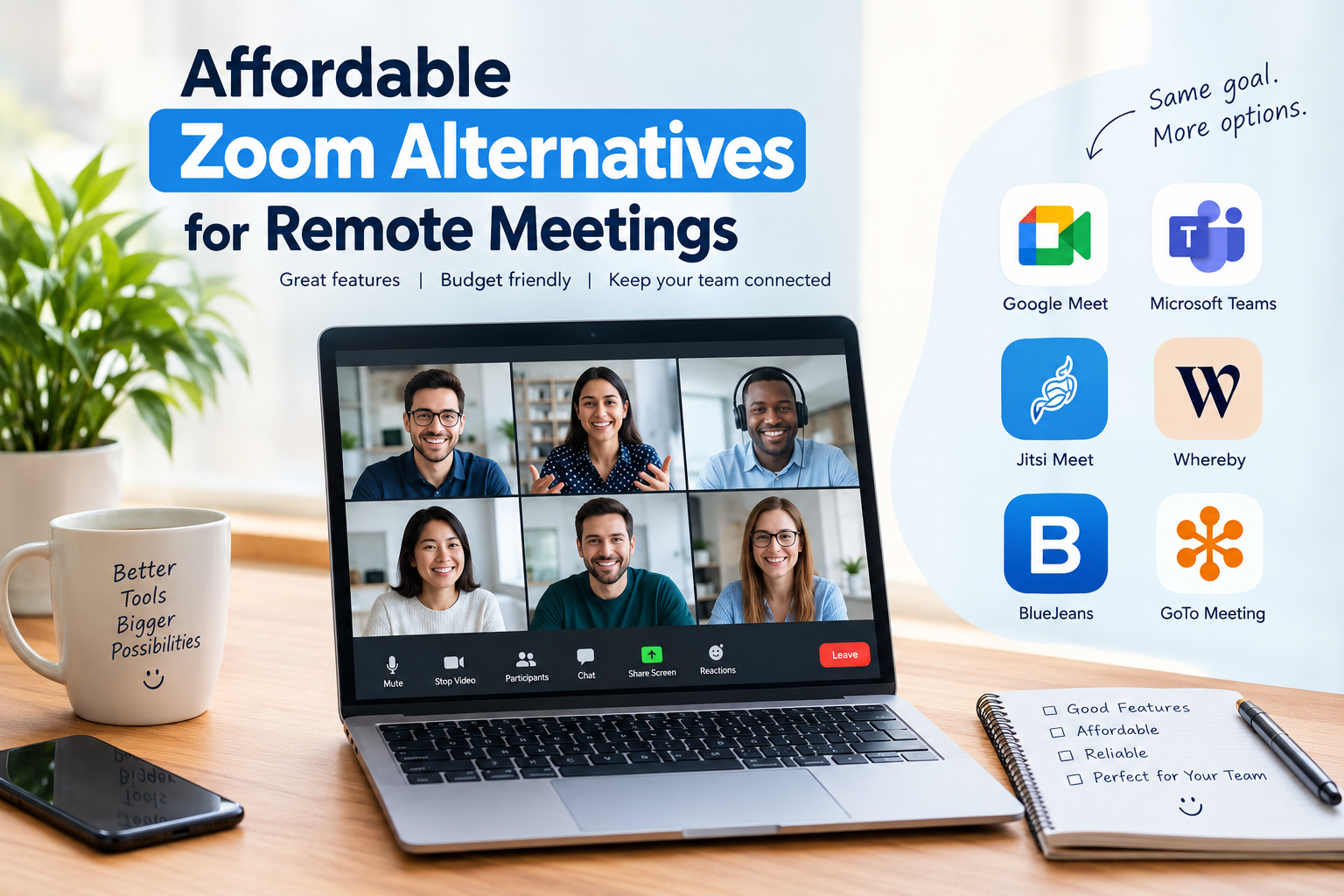
Remote meetings have become an important part of modern work. Whether I am managing a small business, working with freelancers, attending online classes, or communicating with clients, having a reliable video conferencing tool makes daily tasks much easier. Zoom is one of the most recognized platforms for online meetings, but it is not always the most affordable option for everyone.
Many individuals and small businesses are now searching for affordable Zoom alternatives for remote meetings that provide useful features without creating unnecessary expenses. Some platforms offer free video calls, while others include screen sharing, team collaboration, meeting recordings, and scheduling tools at reasonable prices.
In my opinion, choosing a video conferencing platform should not be based on popularity alone. What matters most is how well the software fits your daily requirements, budget, and team size.
In this article, I will discuss some useful and budget friendly Zoom alternatives, their features, benefits, and situations where they may be suitable.
Why Look for Affordable Zoom Alternatives?
Although Zoom provides a range of meeting features, its paid plans may not be suitable for every user. Startups, students, freelancers, and small teams often need simple communication tools rather than advanced enterprise features.
There are several reasons why people explore other video conferencing software.
First, monthly subscription costs can become expensive when multiple employees need paid accounts. Second, some users only require basic video calls and screen sharing. Third, businesses may prefer a platform that integrates with their existing productivity software.
Another important factor is ease of use. I personally believe that meeting software should allow people to join conversations without unnecessary technical difficulties.
Fortunately, several affordable Zoom alternatives provide practical solutions for remote communication.
1. Google Meet
Google Meet is one of the most convenient Zoom alternatives for individuals and small businesses. It works through a web browser and integrates with Google services such as Gmail, Google Calendar, and Google Workspace.
One thing I appreciate about Google Meet is its straightforward interface. Users can create a meeting link and share it with participants without installing complicated software.
Key Features
- Video and audio meetings
- Screen sharing
- Google Calendar integration
- Browser based access
- Captions and meeting controls
- Integration with Google Workspace
Google Meet offers a free option with certain limitations, while paid Google Workspace plans provide additional capabilities.
For freelancers who already use Gmail and Google Drive, this platform can be a practical choice.
My Opinion: Google Meet is worth considering if your main requirement is simple, reliable communication with clients or colleagues.
2. Microsoft Teams
Microsoft Teams is another popular option for remote meetings, especially for businesses that use Microsoft 365.
Unlike basic video calling applications, Microsoft Teams combines meetings, messaging, file sharing, and collaboration features in one platform.
This can help reduce the need to switch between multiple applications throughout the working day.
Key Features
- Video conferencing
- Team messaging
- File sharing
- Screen sharing
- Microsoft 365 integration
- Meeting scheduling
- Collaboration tools
Microsoft Teams has a free version, while its paid plans provide additional business features. Pricing and availability depend on the selected plan and region.
For businesses already using Word, Excel, Outlook, and OneDrive, Teams may provide a convenient working environment.
My Opinion: I would consider Microsoft Teams when a business needs more than video calls and wants communication and collaboration together.
3. Jitsi Meet
Jitsi Meet is an open source video conferencing solution that deserves attention from budget conscious users.
One of its major attractions is that users can host meetings through its public service without purchasing a traditional subscription.
It is especially useful for people who want a straightforward meeting experience without committing to a monthly payment.
Key Features
- Free video meetings through the public service
- Screen sharing
- Meeting links
- Chat functionality
- Open source software
- Browser based access
Jitsi can also be self hosted, although this requires technical knowledge and server resources.
Users should understand that meeting limits, reliability, and available features can vary depending on the hosting setup.
My Opinion: Jitsi Meet is an interesting alternative for small groups, casual meetings, and users who prefer open source software.
4. Whereby
Whereby focuses on making online meetings simple and accessible.
One feature that makes Whereby appealing is its browser based meeting experience. Participants can join through a shared room link, which can reduce the effort required to start a conversation.
This can be particularly helpful for consultants, online tutors, and freelancers who regularly communicate with different clients.
Key Features
- Browser based video meetings
- Custom meeting rooms
- Screen sharing
- Meeting links
- Simple interface
- Collaboration options
Whereby offers different plans, including options for users with basic meeting requirements. Paid features and participant limits depend on the current subscription.
My Opinion: Whereby is worth exploring if you value a clean interface and want clients to join meetings without a complicated setup.
5. Zoho Meeting
Zoho Meeting is a video conferencing and online meeting platform designed for businesses, professionals, and teams.
It is particularly relevant for businesses already using other Zoho applications.
The platform provides meeting management features that can support internal discussions, client presentations, and online collaboration.
Key Features
- Online meetings
- Screen sharing
- Meeting recording on supported plans
- Scheduling tools
- Webinar capabilities
- Business integrations
Zoho Meeting provides free and paid options, with features varying by plan.
For small businesses looking for affordable meeting software, it can be useful to compare its pricing with other platforms before making a decision.
My Opinion: Zoho Meeting deserves consideration when a business wants video conferencing alongside a broader business software ecosystem.
6. GoTo Meeting
GoTo Meeting is a professional video conferencing platform that focuses on business communication.
It offers tools for hosting online meetings, presenting information, and communicating with distributed teams.
Although its pricing may not be the lowest for every user, it can be worth comparing for businesses that require professional meeting capabilities.
Key Features
- HD video meetings
- Screen sharing
- Meeting scheduling
- Business collaboration
- Meeting controls
- Recording options on supported plans
The available features depend on the subscription selected.
My Opinion: GoTo Meeting is more relevant for professional teams that regularly conduct structured online meetings.
7. Cisco Webex
Cisco Webex is another established platform for online meetings and business communication.
It provides meeting tools for organizations that need video communication, screen sharing, and collaboration features.
Webex offers a free option and paid subscriptions with additional capabilities.
Key Features
- Video conferencing
- Screen sharing
- Meeting scheduling
- Noise reduction features
- Collaboration tools
- Business focused meeting controls
For users who frequently communicate with clients or colleagues in different locations, Webex is another platform worth evaluating.
My Opinion: I would compare Webex with other business meeting tools when meeting quality, administrative controls, and collaboration features are important.
Comparison of Affordable Zoom Alternatives
The following table provides a simple overview of the platforms discussed above.
| Software | Free Option | Main Strength |
|---|---|---|
| Google Meet | Yes | Simple online meetings |
| Microsoft Teams | Yes | Team collaboration |
| Jitsi Meet | Yes | Open source meetings |
| Whereby | Yes | Easy browser access |
| Zoho Meeting | Yes | Business meeting tools |
| GoTo Meeting | Plan dependent | Professional communication |
| Cisco Webex | Yes | Business collaboration |
Free plans may include participant limits, meeting duration restrictions, or fewer advanced features. Always review the official pricing page before subscribing.
How to Choose the Right Zoom Alternative
Finding affordable video conferencing software is not only about selecting the lowest price. In my view, the right platform should provide the features you actually use.
Consider Your Budget
Start by deciding how much you can comfortably spend each month.
If you only organize occasional meetings, a free plan may be enough. However, businesses conducting daily client calls may benefit from a paid plan with additional controls.
Check Meeting Limits
Some free video conferencing platforms restrict meeting duration or the number of participants.
Before switching, consider how many people usually attend your meetings and how long your sessions normally last.
Review Screen Sharing Features
Screen sharing is important for presentations, online teaching, software demonstrations, and team discussions.
Make sure the platform supports the type of sharing your work requires.
Look at Integrations
If you already use Google Workspace, Microsoft 365, or Zoho applications, choosing a compatible meeting platform may save time.
Integrations can make scheduling, file sharing, and daily communication more convenient.
Test Audio and Video Quality
A low subscription price is not helpful if participants regularly experience communication problems.
I recommend testing a platform with a small group before moving your entire team.
Think About Security
For business meetings, privacy and security should be part of the decision.
Review available security controls, meeting access settings, administrative features, and the provider’s privacy documentation.
Benefits of Using Affordable Video Conferencing Software
Affordable Zoom alternatives can provide several benefits for remote workers and small businesses.
Lower operating expenses: Free and budget friendly plans can help businesses control recurring software costs.
Flexible communication: Teams can connect with clients and colleagues from different locations.
Improved collaboration: Screen sharing, messaging, and scheduling features can make discussions more productive.
Easy accessibility: Browser based platforms allow participants to join meetings without complicated installations.
Better software selection: Comparing different tools allows businesses to choose services that match their actual needs.
However, affordability should not be the only consideration. Reliability, privacy, customer support, and ease of use are also important.
Are Free Zoom Alternatives Enough for Small Businesses?
For many small businesses, free video conferencing software can be sufficient.
A freelancer who conducts a few client meetings each week may not need advanced enterprise features. Similarly, a small team that mainly discusses projects and shares screens may be comfortable with a free plan.
However, as a business grows, its requirements may change.
Longer meetings, additional participants, recording capabilities, administrative controls, and professional support can become more important.
My suggestion is to begin with the features you need today rather than paying for tools you may never use.
Final Thoughts
Choosing affordable Zoom alternatives for remote meetings can help individuals and businesses manage their communication expenses while maintaining productive online collaboration.
Google Meet, Microsoft Teams, Jitsi Meet, Whereby, Zoho Meeting, GoTo Meeting, and Cisco Webex all offer different approaches to video conferencing.
Personally, I believe the best selection process starts with understanding your meeting habits, budget, team size, and required features.
Instead of choosing software simply because it is popular, compare its practical value for your daily work.
A suitable video conferencing platform should make communication easier, support your workflow, and provide useful features without putting unnecessary pressure on your budget.
With a little research and testing, finding affordable meeting software for your remote team becomes a much simpler task.
Frequently Asked Questions
What is the best free alternative to Zoom?
Google Meet, Jitsi Meet, Microsoft Teams, and Cisco Webex offer free options. The right choice depends on your meeting duration, participant requirements, and preferred features.
Which Zoom alternative is suitable for small businesses?
Google Meet, Microsoft Teams, and Zoho Meeting are worth comparing for small businesses. Their suitability depends on existing software subscriptions and collaboration requirements.
Can I host online meetings without paying?
Yes. Several video conferencing platforms provide free plans or free meeting services. However, some features may have restrictions.
Is Jitsi Meet completely free?
Jitsi Meet is available as free open source software, and its public meeting service can be used without a traditional subscription. Self hosting may involve server and maintenance costs.
Do Zoom alternatives support screen sharing?
Yes. Many alternatives, including Google Meet, Microsoft Teams, Jitsi Meet, and Webex, provide screen sharing features. Availability may vary by plan and platform.
Are affordable video conferencing tools suitable for professional meetings?
Yes. Many budget friendly platforms support professional communication. Before choosing one, review meeting limits, privacy settings, reliability, and the features required by your organization.