Freelancing looks simple from the outside. You choose the work you like, find clients, complete projects, and get paid. But after working with different types of online tools, I have realized that freelancing can become difficult when you try to manage everything manually.
A freelancer is not only a worker. In most cases, a freelancer is also a project manager, accountant, salesperson, customer support person, marketer, and sometimes even a content creator. Managing all these responsibilities can take a lot of time.
This is where SaaS tools can make a real difference.
SaaS means Software as a Service. Instead of installing software permanently on your computer, you normally access these tools through a web browser or an app. Most SaaS platforms work with a monthly or yearly subscription, while some also offer free plans.
In my opinion, the right SaaS tools can help freelancers stay organized, communicate better with clients, manage projects, track time, create invoices, and grow their businesses. The important thing is not to use every tool available. It is to choose tools that solve real problems in your daily workflow.
Why Freelancers Need SaaS Tools
When I first think about freelancing, one of the biggest challenges that comes to mind is organization. A freelancer might have several clients at the same time. Each client can have different deadlines, requirements, files, messages, and payment arrangements.
Without a proper system, it is easy to forget something.
SaaS tools can bring these things into one organized workflow. Instead of keeping client information in random notes, emails, spreadsheets, and folders, freelancers can use dedicated platforms to manage their work.
Another major advantage is accessibility. Since many SaaS tools are cloud based, I can access my work from different devices as long as I have an internet connection. This is especially useful for freelancers who work from home, coworking spaces, or while traveling.
SaaS tools can also reduce repetitive work. For example, creating invoices manually for every client can become boring and time consuming. An invoicing platform can make this process much faster.
Project Management Tools
Project management is one of the most important areas for freelancers.
When I have multiple projects running at the same time, I need a simple way to see what needs to be done, what is currently being worked on, and what has already been completed.
Project management SaaS tools can help freelancers create tasks, add deadlines, organize projects, and sometimes communicate with team members or clients.
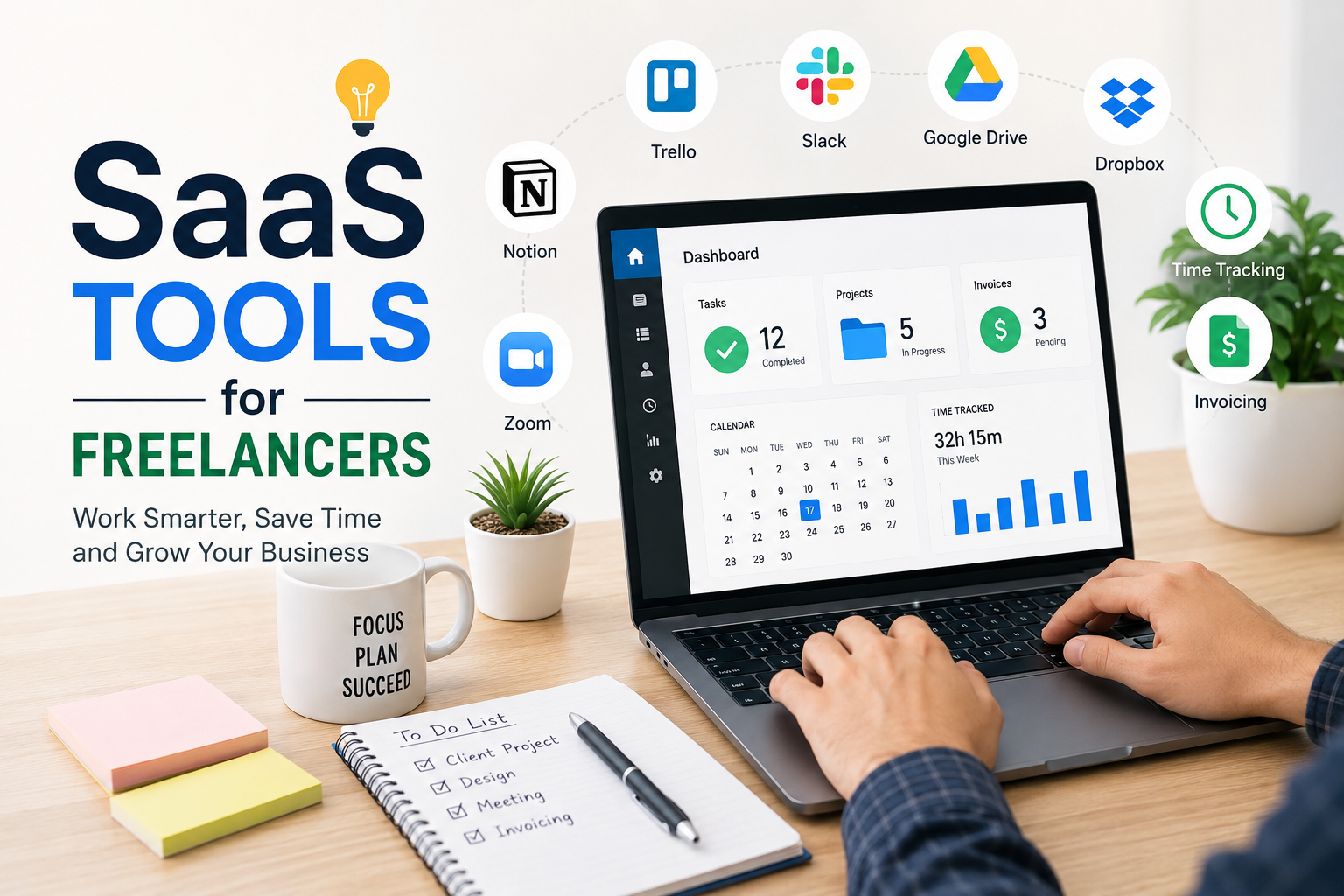
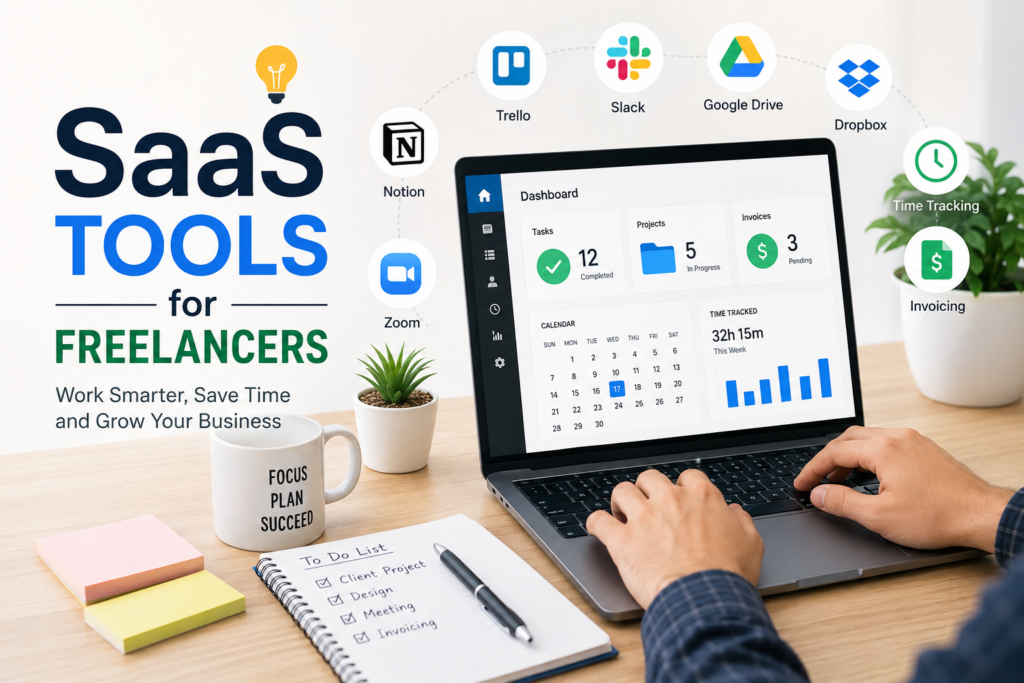
Tools such as Trello, Asana, ClickUp, and similar platforms are popular examples. Each one has its own features and interface, so I would recommend trying a free version before paying for a subscription.
For a freelancer, even a simple task board can be extremely useful. I might create columns such as New Project, In Progress, Waiting for Client, and Completed.
This gives me a quick overview of my workload.
The main benefit is that I do not have to keep everything in my head.
Time Tracking Tools
Time is one of the most valuable things a freelancer has.
If I charge clients by the hour, accurate time tracking becomes especially important. Even when I charge a fixed project price, tracking my time can help me understand whether a project is actually profitable.
Time tracking SaaS tools allow freelancers to record how much time they spend on different tasks. Some platforms can automatically track activity while others allow users to start and stop timers manually.
For example, if I agree to complete a design project for a fixed amount, I can track how many hours I spend on research, revisions, communication, and final delivery.
After a few projects, this information can help me create better prices.
I believe this is one of the most useful habits a freelancer can develop because it gives a realistic picture of where working hours are going.
Invoicing and Payment Tools
Getting paid is obviously an important part of freelancing.
Creating professional invoices can make a freelancer look more organized and trustworthy. SaaS invoicing tools can help create invoices, track payments, manage recurring billing, and keep financial records.
Instead of writing a new invoice from scratch every time, I can save client information and create invoices much faster.
Some tools also allow freelancers to accept online payments. However, payment options can vary depending on the freelancer’s country and the client’s location, so it is important to check which services are actually available to you.
I also recommend keeping records of every invoice. Even a small freelance business can become difficult to manage if payment information is scattered across different emails and files.
Communication Tools
Good communication can make or break a freelance relationship.
Email is still important, but many freelancers also use SaaS communication platforms for quick conversations, meetings, and project discussions.
Tools such as Slack, Zoom, Microsoft Teams, and Google Meet can help freelancers communicate with clients and remote teams.
Personally, I think communication should remain simple. Using too many platforms can actually create more problems. If one client wants email, another wants Slack, and another uses a different messaging platform, it can become difficult to keep track of everything.
My approach would be to agree with each client on one main communication channel and use it consistently.
Cloud Storage Tools
Freelancers often work with large numbers of files.
Designers may have images and source files. Writers may have documents and research materials. Video editors may work with very large video files.
Cloud storage SaaS platforms can make file management easier. Google Drive, Dropbox, OneDrive, and similar services allow freelancers to store files online and access them from different devices.
I also like the fact that cloud storage makes sharing files easier. Instead of sending large attachments through email, I can share a secure file or folder with a client.
However, I would strongly recommend keeping backups of important files. Cloud storage is useful, but I would never want my entire freelance business to depend on a single storage account.
Note Taking and Organization Tools
Freelancers have ideas all the time.
Sometimes I get a new idea for a project while working on something completely different. If I do not write it down immediately, there is a good chance I will forget it.
Note taking SaaS tools can help solve this problem.
Platforms such as Notion, Evernote, and other online note applications can be used for project notes, client information, content ideas, meeting notes, checklists, and business planning.
I personally prefer keeping information organized into separate sections. This makes it much easier to find something later.
A good note taking system does not need to be complicated. The goal is simply to make information easier to find.
Design and Creative SaaS Tools
For freelancers who work in graphic design, video editing, social media, or content creation, creative SaaS tools can be extremely valuable.
Online design platforms can help create social media graphics, presentations, thumbnails, posters, and other visual content.
The advantage is that freelancers do not always need expensive desktop software for every small task. Many cloud based creative platforms provide templates and easy editing features.
For someone starting a freelance design business, these tools can reduce the learning curve and make it easier to produce professional looking work.
Of course, advanced professionals may still need specialized software, but SaaS tools can be very useful for everyday tasks.
Accounting and Expense Management
Managing money is something many freelancers ignore.
When business starts growing, however, financial organization becomes increasingly important.
Accounting SaaS platforms can help freelancers track income, expenses, invoices, and other financial information.
Even if a freelancer has only a few clients, keeping accurate records can make things much easier at tax time and when reviewing business performance.
I believe freelancers should treat their work like a real business, even if they are working alone.
Knowing how much money is coming in and how much is being spent helps with better decisions.
How to Choose the Right SaaS Tools
One mistake I see many freelancers make is signing up for too many tools.
It is easy to get excited when a platform offers dozens of features. But having twenty different subscriptions does not automatically make a freelance business more productive.
I would start by identifying the biggest problems in my workflow.
If I frequently miss deadlines, I need a project management tool.
If I do not know how much time I spend on projects, I need a time tracking tool.
If invoices are difficult to manage, I need an invoicing solution.
If files are becoming difficult to organize, I need cloud storage.
This approach helps avoid unnecessary expenses.
I also recommend starting with free plans whenever possible. Once a tool becomes an important part of the business, upgrading can make sense.
The Cost of SaaS Tools for Freelancers
SaaS tools can save time, but they can also become expensive.
A freelancer might start with one small subscription and eventually have ten or fifteen monthly payments. At the end of the year, the total cost can be surprisingly high.
That is why I think every freelancer should review their subscriptions regularly.
If I have not used a tool for several months, I would seriously consider canceling it.
The best SaaS tool is not necessarily the one with the most features. It is the one that provides enough value to justify its cost.
Final Thoughts
SaaS tools have changed the way many freelancers work. They can help with project management, communication, time tracking, invoicing, file storage, accounting, and many other parts of a freelance business.
But technology should support the freelancer, not complicate the work.
In my opinion, starting with a small collection of reliable tools is better than trying every new platform that appears online. I would focus on the problems that take the most time and then find software that can solve those problems.
A good freelance system does not need to be complicated. It needs to be organized, reliable, and easy to use.
When the right SaaS tools are combined with good communication, strong time management, and quality work, freelancing can become much easier to manage.
For me, the biggest advantage of SaaS tools is not simply having access to modern software. It is having more control over my workday. When repetitive tasks are handled efficiently, I can spend more time doing the actual work, communicating with clients, finding better opportunities, and building a freelance business that can grow over time.