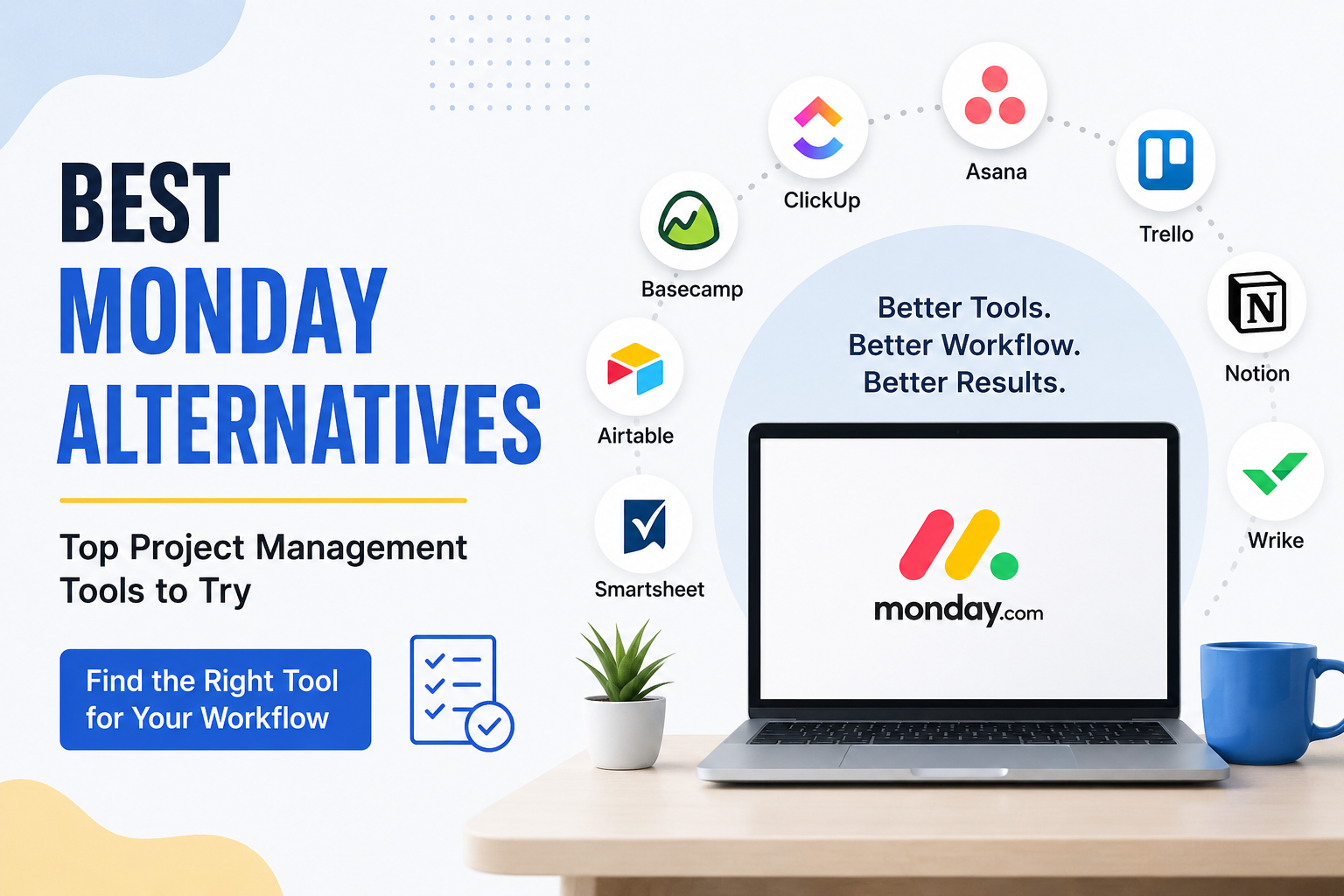
When I first started looking for project management software, Monday was one of the platforms that caught my attention. It has a modern design, many useful features, and a flexible way to organize projects. However, after using different productivity tools, I realized that Monday is not always the perfect choice for everyone.
Some people may find it too complicated, while others may not like its pricing or the way its features are organized. This is why I think it is worth looking at some Monday alternatives before making a final decision.
In this article, I will share some of the best Monday alternatives that I would personally consider. Each tool has its own strengths, and the right option depends on how you work, the size of your team, and what you expect from project management software.
Why Look for Monday Alternatives?
Monday is a powerful platform, but no software can be perfect for every person or business.
One reason people look for alternatives is simplicity. If you only need a basic task management system, Monday can sometimes feel like more than you actually need. You may spend time setting up boards, views, automations, and other features when all you really want is a simple place to track tasks.
Price can also be an important factor. Small businesses, freelancers, students, and new teams often have limited budgets. Paying for features that are not being used does not always make sense.
Another reason is personal preference. Some people like visual boards, while others prefer lists, calendars, or simple task management. I personally believe that the best project management tool is the one that makes your daily work easier rather than adding more work.
1. ClickUp
ClickUp is probably one of the first alternatives I would consider when looking for a replacement for Monday. It offers a large collection of project management and productivity features in one platform.
You can create tasks, manage projects, set deadlines, create documents, track goals, and organize team workflows. It also provides different ways to view your work, which can be useful when working with larger projects.
What I like about ClickUp is its flexibility. You can keep things simple or create a detailed workflow depending on your needs.
However, there is one thing I would keep in mind. Because ClickUp includes so many features, beginners may need some time to understand everything. If you enjoy having lots of customization options, this may be a good thing. If you prefer a very simple interface, another alternative may be better.
2. Asana
Asana is another popular project management platform that I would recommend for teams that want a clean and organized working environment.
It allows you to create tasks, assign work to team members, add deadlines, and monitor project progress. You can also organize projects using different views.
In my opinion, Asana is especially useful for teams that need clear responsibility. Everyone can see what needs to be done and who is responsible for each task.
The interface feels professional without being unnecessarily complicated. I also like the way Asana helps teams stay focused on their goals.
For businesses that need a structured project management system, Asana can be a strong Monday alternative.
3. Trello
If simplicity is your main priority, Trello is one of the alternatives I would seriously consider.
Trello uses boards, lists, and cards to organize work. Instead of seeing a complicated project dashboard, you can create a board and move tasks from one stage to another.
For example, you can create lists called To Do, In Progress, and Completed. Each task can be placed inside a card and moved as the work progresses.
I find this approach very easy to understand. It can be useful for freelancers, students, small businesses, and teams that do not need advanced project management features.
The biggest advantage of Trello is its simplicity. The disadvantage is that some people may eventually need more advanced features as their projects become more complicated.
4. Notion
Notion has become one of my favorite productivity platforms because it combines notes, documents, databases, and project management in one place.
You can create a project dashboard, manage tasks, write notes, create content calendars, store important information, and organize documents.
What makes Notion different is the amount of freedom it gives you. You can build your workspace according to your own needs instead of following one fixed structure.
For example, a content team could use Notion to manage article ideas, writing schedules, research notes, and publishing plans.
I think Notion is especially useful for individuals and small teams that want both project management and knowledge organization.
The learning curve can be a little higher than simpler tools, but once you understand how it works, the possibilities are impressive.
5. Wrike
Wrike is another option worth considering, especially for businesses that manage larger projects and multiple teams.
It provides tools for task management, project planning, collaboration, reporting, and workflow management.
One thing I like about Wrike is that it focuses heavily on helping teams manage complex work. If your business has several departments working on different projects, having everything organized in one platform can make communication easier.
It may not be the first choice I would recommend to someone who only needs a simple task list. However, for larger organizations, it can be a strong option.
6. Basecamp
Basecamp takes a different approach to project management. Instead of trying to provide every possible feature, it focuses on keeping communication and project organization straightforward.
You can create projects, share files, communicate with team members, create to do lists, and keep important discussions connected to the project.
I personally like the idea behind Basecamp because many project management tools can become overwhelming. Sometimes a team does not need dozens of complicated features. It just needs a reliable place where everyone knows what is happening.
For teams that value simplicity and communication, Basecamp is worth checking out.
7. Airtable
Airtable is an interesting Monday alternative because it combines the flexibility of a database with project management features.
You can use it to organize tasks, customers, content, products, marketing campaigns, and many other types of information.
The database style makes Airtable especially useful when you need to store and organize a lot of structured information.
For example, if I were managing a content website, I could create a database for articles and include the title, author, keyword, status, publishing date, category, and other information.
The platform may require some learning in the beginning, but it can become extremely useful once you understand how to structure your workspace.
8. Smartsheet
Smartsheet is another platform that I would consider for businesses that enjoy working with spreadsheets but need more project management functionality.
Its interface can feel familiar to people who already use spreadsheets for organizing work. At the same time, it provides features designed for project planning, collaboration, reporting, and workflow management.
I think Smartsheet can be a good option for companies that want something more powerful than a traditional spreadsheet without completely changing the way their teams organize information.
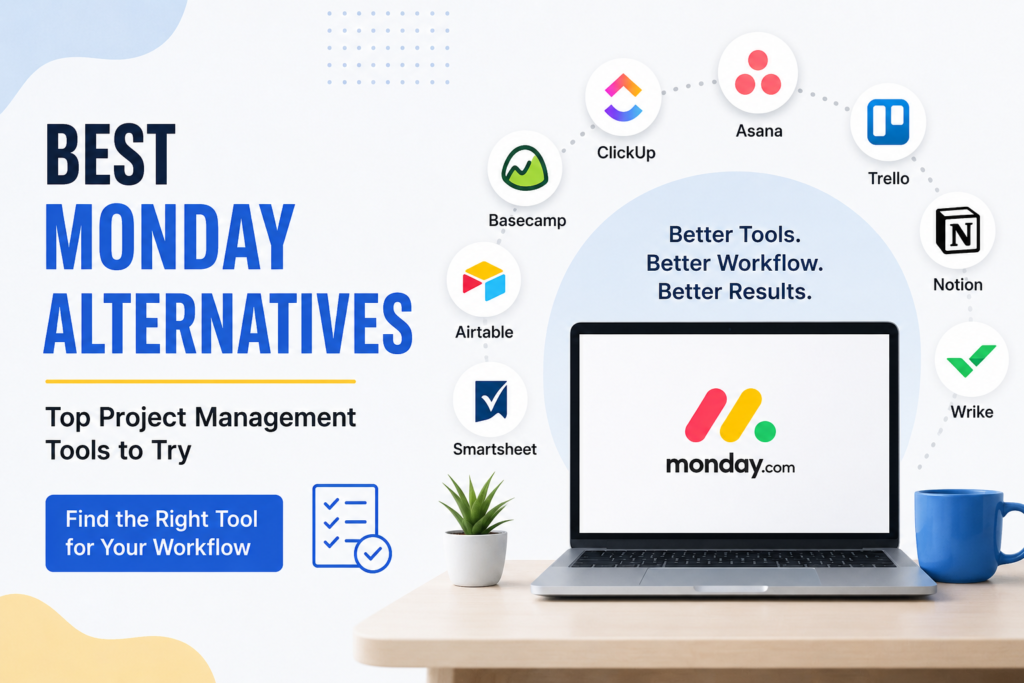
How to Choose the Right Monday Alternative
Choosing an alternative should not be based only on how many features a platform offers. I believe you should first understand what you actually need.
If you want something simple, Trello or Basecamp may be worth considering.
If you need a powerful project management platform, ClickUp or Wrike could be better choices.
If your team focuses heavily on communication and organized workflows, Asana may be a good option.
If you want to combine notes, documents, databases, and project management, I would look closely at Notion.
For spreadsheet style organization and structured information, Airtable or Smartsheet may make more sense.
I also recommend trying the free versions or trials when they are available. A tool can look excellent on paper but feel completely different when you actually use it every day.
Monday Alternatives for Small Businesses
Small businesses usually need tools that provide good value without creating unnecessary complexity.
In my opinion, Trello, Asana, and Notion are worth considering for smaller teams. They can help organize tasks and projects without requiring a huge amount of technical knowledge.
ClickUp can also be useful if the team wants more features and expects its workflow to become more advanced over time.
The important thing is to avoid paying for features that your team will never use.
Monday Alternatives for Freelancers
Freelancers have different needs from large companies. Personally, I think freelancers should focus on tools that help them manage clients, deadlines, tasks, and ideas without taking too much time to maintain.
Notion can be excellent for freelancers who want to keep project information and notes together. Trello is another simple option for tracking client work.
Asana can also work well if a freelancer is managing multiple projects and needs a more structured system.
Final Thoughts
Monday is a capable project management platform, but it is not the only option available. After looking at different tools, I think the best alternative depends on your personal workflow rather than simply choosing the platform with the most features.
ClickUp is a strong choice for people who want flexibility and lots of tools. Asana is great for organized teams. Trello is ideal for simple visual task management. Notion is excellent for people who want notes and project management together. Wrike is more suitable for complex business projects, while Basecamp focuses on simple communication and organization. Airtable and Smartsheet are useful when you need more structured data management.
If I were choosing a platform today, I would first make a list of the features I actually need. Then I would test a few options before making a decision.
The goal of project management software should be simple. It should help you understand your work, stay organized, meet deadlines, and communicate better with your team. If a tool does those things without making your workflow unnecessarily complicated, I believe you have found the right tool.