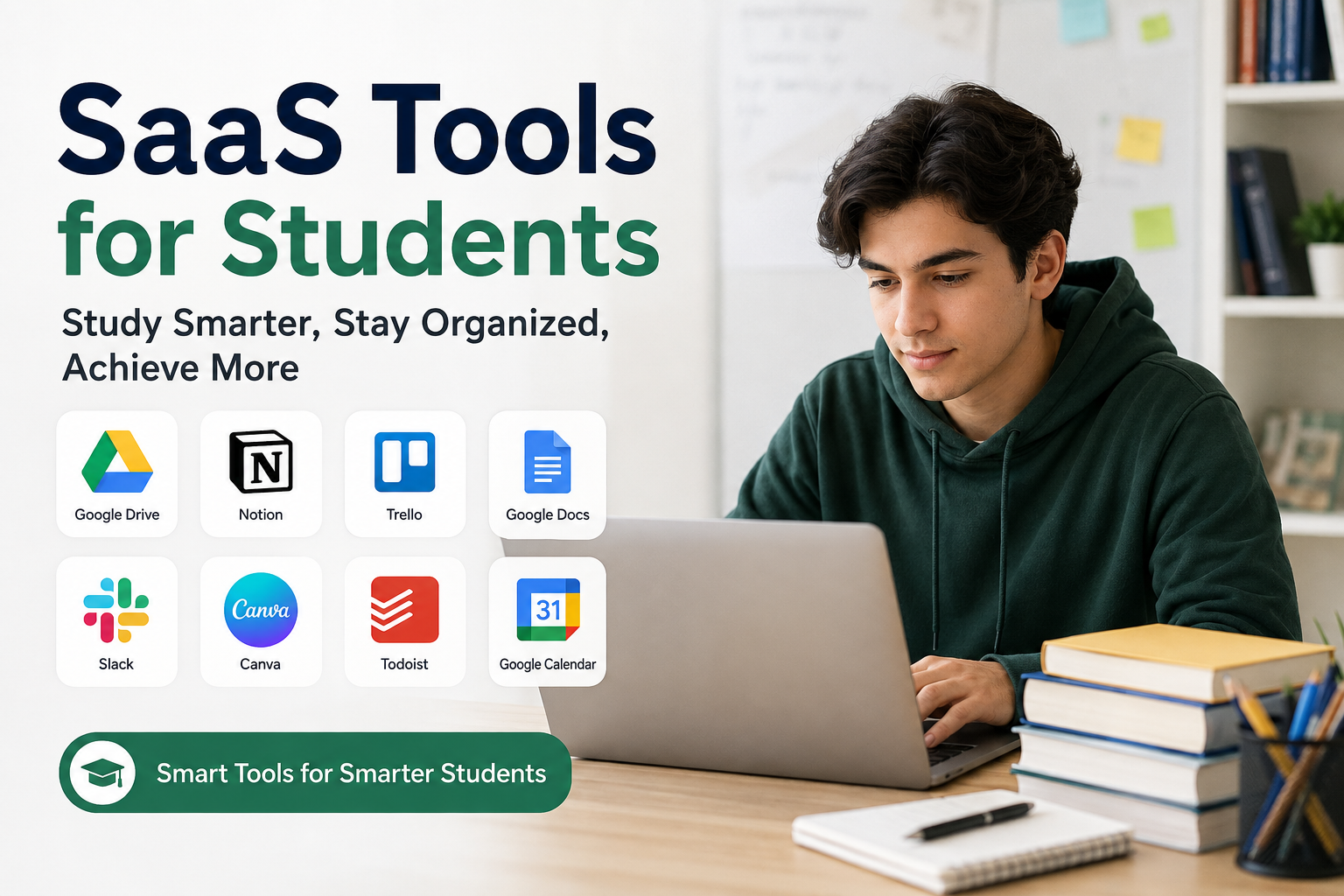
Being a student today is very different from being a student a few years ago. We have access to the internet, online classes, digital books, cloud storage, productivity apps, writing tools, and many other resources. In my opinion, one of the most useful developments for students is SaaS, which means Software as a Service.
SaaS tools are online software applications that we can use through a browser or an app without installing complicated programs on our computers. Many of these tools work on a subscription basis, while some offer free plans with basic features. I personally think SaaS tools can make student life much easier when they are used properly.
Students have to manage lectures, assignments, presentations, group projects, exams, notes, research, and personal activities at the same time. It can become difficult to manage everything manually. SaaS tools help organize these tasks and save valuable time. In this article, I will discuss some of the most useful types of SaaS tools for students and explain how I believe they can improve the learning experience.
What Are SaaS Tools?
SaaS stands for Software as a Service. Instead of buying software and installing it permanently on a computer, we access the software online. Usually, we only need an internet connection and an account.
For example, students can use online document editors to write assignments, cloud storage platforms to save files, project management applications to organize tasks, and communication tools to work with classmates.
The biggest advantage for me is convenience. I can access my work from different devices. If I start an assignment on my computer, I can continue working on it from my phone or another computer without carrying a USB drive.
Online Writing and Document Tools
Writing assignments is one of the biggest parts of student life. This is where online document tools can be extremely helpful.
Tools such as Google Docs allow students to create and edit documents online. I find this especially useful when working on assignments because the document can automatically save changes. There is less worry about losing work because of a computer problem.
Another useful feature is collaboration. Several students can work on the same document at the same time. This is helpful for group assignments where everyone has a different part of the project.
Online writing tools can also make sharing easier. Instead of sending different versions of the same document through email, students can simply share one file with their classmates or teacher.
Cloud Storage Tools
I think cloud storage is one of the most important SaaS solutions for students.
Students often have many files, including lecture notes, assignments, presentations, research papers, images, and PDFs. Keeping everything only on one computer can be risky. If the computer stops working, important academic files could be lost.
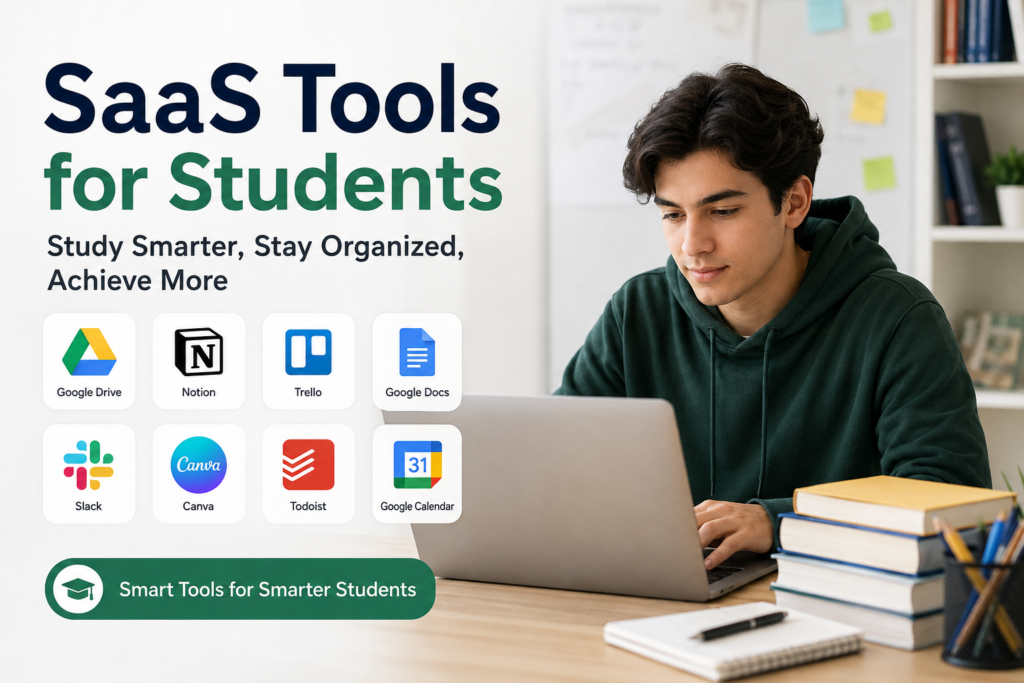
Cloud storage services allow students to store their files online. Services such as Google Drive, Microsoft OneDrive, and Dropbox are popular examples.
I personally like the idea of having important academic documents available from anywhere. It also makes file sharing much easier. Instead of sending large attachments, I can share a link to the required document.
Note Taking Tools
Good notes can make studying much easier. However, traditional notebooks are not always convenient, especially when students have several subjects.
Digital note taking tools allow students to organize notes by subject, topic, or semester. Applications such as Notion and Evernote provide features that can be useful for creating organized study material.
I think digital notes are especially useful because they are searchable. If I want to find a specific topic from my previous notes, I can search for a keyword instead of going through many pages.
Students can also add images, links, tables, and other information to their notes. This can make revision more organized.
Task Management Tools
One problem I have noticed among students is that they sometimes know what they need to do but do not know where to start.
Task management SaaS tools can help solve this problem. Applications such as Trello, Todoist, and similar productivity platforms allow students to create tasks and organize them according to deadlines.
For example, I can create a list for my assignments and add the deadline for each task. I can then divide a large assignment into smaller steps.
This approach makes academic work feel more manageable. Instead of thinking about a huge project as one difficult task, I can focus on completing one small step at a time.
Calendar and Scheduling Tools
Time management is extremely important for students. It is easy to forget an assignment deadline, examination date, class schedule, or project meeting.
Online calendar tools can help students keep everything in one place. Google Calendar is a popular example that allows users to create events, reminders, and schedules.
I believe students should use calendars not only for classes but also for study sessions. For example, I can set aside specific hours for mathematics, writing, reading, or exam preparation.
Having a schedule does not mean every minute has to be planned. For me, it simply creates a basic structure that makes it easier to stay focused.
Online Communication Tools
Group projects are common in schools and universities. Communication can become difficult when group members have different schedules.
SaaS communication platforms can make collaboration easier. Students can use tools such as Slack, Microsoft Teams, or other communication platforms to discuss projects and share files.
Online communication is also useful for students who attend remote classes. They can communicate with teachers and classmates without needing to be physically present in the same place.
However, I think students should avoid unnecessary notifications because constant messages can become distracting.
Presentation and Design Tools
Students are often required to create presentations. Not everyone has professional design skills, and this is where online design tools can help.
Canva is one example of a platform that provides templates for presentations, posters, reports, and other academic projects.
I think these tools are useful because they allow students to focus more on the information instead of spending hours trying to design every slide from scratch.
At the same time, students should remember that good design cannot replace good content. A presentation should still contain accurate information and a clear explanation of the topic.
Research and Reference Tools
Research is another major part of academic life. Students often need to find reliable information for assignments and projects.
Online research platforms and reference management tools can help students organize sources. Citation tools can also make it easier to create references in different academic styles.
In my opinion, students should be careful when using online information. Not everything available on the internet is accurate. A professional looking website does not automatically mean that its information is reliable.
I always believe students should check important facts through trustworthy academic or official sources.
AI Based SaaS Tools
Artificial intelligence has become another important part of online software. Many AI based SaaS tools can help students with brainstorming, explanations, summaries, language improvement, and study planning.
I think AI can be useful when it works as a learning assistant rather than a replacement for learning.
For example, a student can ask an AI tool to explain a difficult concept in simpler language. They can also use it to generate practice questions or identify areas where they need more study.
However, students should not simply copy AI generated answers and submit them as their own work. That can reduce the learning process and may also violate academic rules.
The best approach, in my opinion, is to use AI to understand topics and improve learning while still doing the actual thinking and work yourself.
Benefits of SaaS Tools for Students
There are many benefits to using SaaS tools. The first is accessibility. Most tools can be accessed from different devices as long as there is an internet connection.
Another benefit is collaboration. Students can work together even when they are not in the same location.
SaaS tools can also improve organization. Instead of having assignments, notes, files, and schedules scattered across different places, students can create a more organized digital system.
Another major advantage is time saving. Automating small tasks can give students more time for studying and other important activities.
I also like the fact that many SaaS platforms offer free versions. Students with limited budgets can often use basic features without paying for expensive software.
Things Students Should Keep in Mind
Although SaaS tools are useful, I do not think students should use too many tools at once. Having ten different productivity applications can actually make life more complicated.
It is better to choose a few tools that solve real problems. For example, one calendar, one note taking platform, one cloud storage service, and one task management tool may be enough for many students.
Privacy is another important issue. Students should understand what information they are putting online and review the privacy settings of the services they use.
Students should also maintain backups of important academic files. Cloud storage is useful, but having an additional copy of very important documents is still a smart idea.
Final Thoughts
In my opinion, SaaS tools have changed the way students can study, organize their work, and communicate with others. They can make everyday academic tasks easier and help students save time.
The important thing is not to use technology simply because it is available. Students should choose tools based on their actual needs.
For me, the best SaaS tools are the ones that reduce stress instead of creating more work. A simple system for notes, assignments, schedules, files, and communication can make a big difference.
Technology cannot replace discipline, hard work, or genuine learning. However, when used correctly, SaaS tools can support all three. Students who learn how to use these tools responsibly can become more organized, productive, and confident in their academic journey.
I believe the goal should not be to use the maximum number of tools. The goal should be to use the right tools in a simple way that makes studying more effective and manageable.