Working with a remote team sounds simple until you actually have to manage people who are working from different cities, countries, and time zones. In my experience, remote work can be very productive, but only when the team has the right tools and a clear system for using them.
This is where SaaS tools become extremely useful. SaaS stands for Software as a Service. Instead of installing software on every computer, teams can access these tools through the internet. Most SaaS platforms also make collaboration easier because everyone can work with the same information from almost anywhere.
I believe the right SaaS tools can make a remote team feel much more connected. They can help with communication, project management, file sharing, meetings, time tracking, customer management, and many other daily tasks.
In this article, I will explain some of the most useful types of SaaS tools for remote teams and how they can improve the way people work together.
Why Remote Teams Need SaaS Tools
When everyone works in the same office, communication often happens naturally. You can walk over to someone’s desk, ask a question, attend a meeting, or quickly check a document.
Remote teams do not have this advantage. A team member might be working while another person is sleeping because they live in a different time zone. Important information can easily get lost in messages, emails, or different documents.
SaaS tools solve many of these problems by creating a shared digital workspace.
For example, a project manager can see what everyone is working on. A designer can upload files for the team. A manager can communicate with employees through chat. A team member can check a task without asking someone for an update.
From my point of view, this reduces unnecessary communication and gives everyone a clearer understanding of their responsibilities.
Communication Tools
Communication is one of the most important parts of remote work. Without good communication, even a talented team can become disorganized.
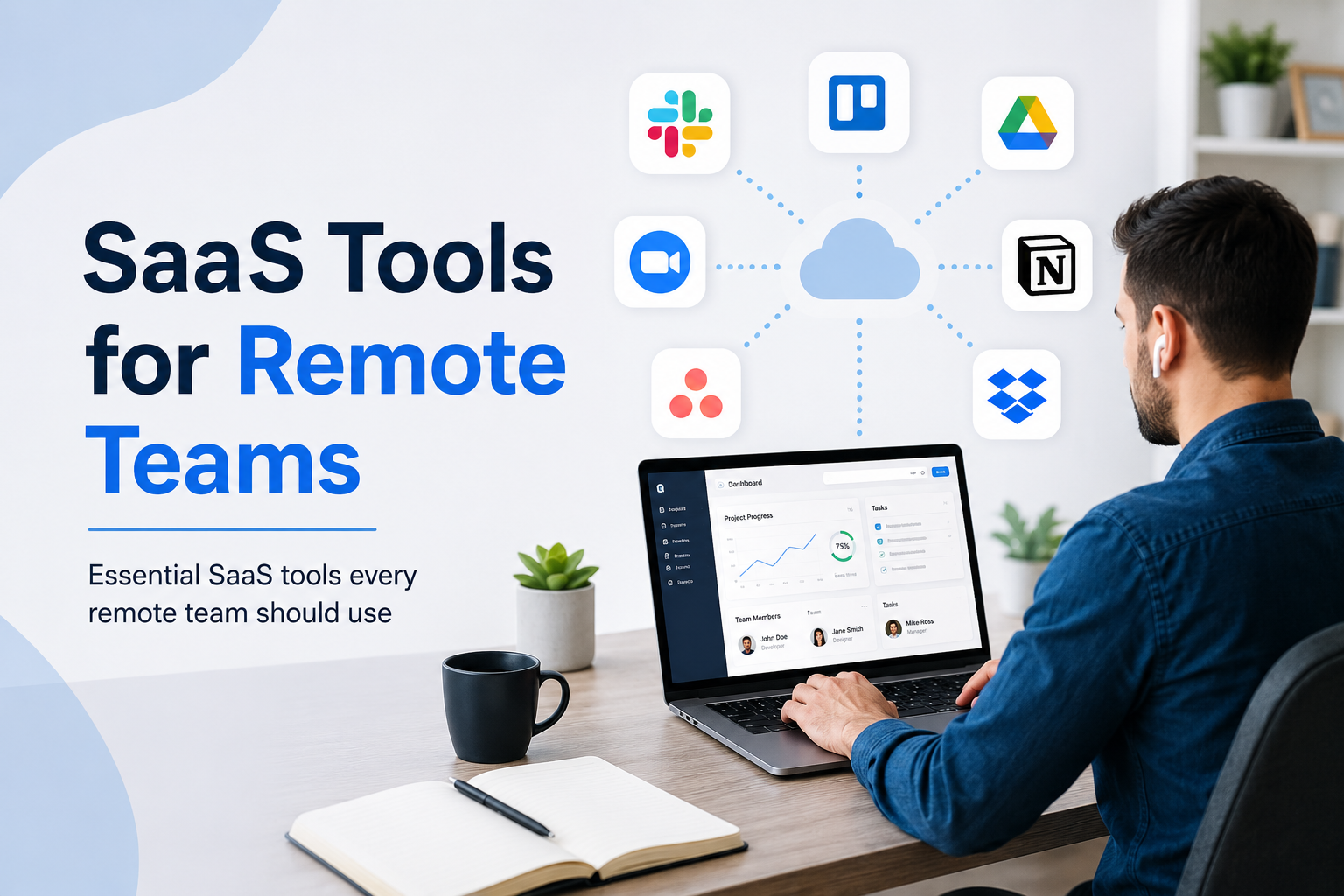
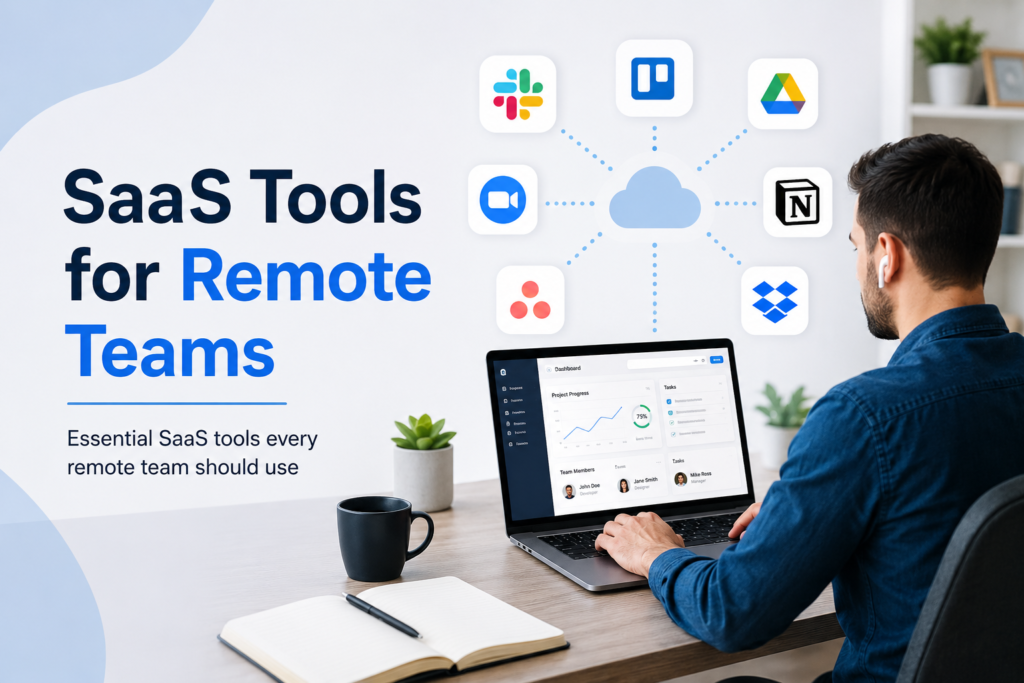
Tools such as Slack, Microsoft Teams, and similar communication platforms allow remote workers to communicate through messages, channels, voice calls, and video calls.
I personally think communication tools are most useful when teams organize conversations properly. Instead of having one large chat where everything gets mixed together, teams can create separate channels for projects, departments, announcements, and general discussions.
For example, a marketing team could have one channel for content, another for social media, and another for campaign planning.
This simple structure can make information much easier to find later.
However, I also believe remote teams should avoid unnecessary messages. Constant notifications can make employees feel like they have to be available all the time. A good communication system should help people work, not distract them from their work.
Project Management Software
Project management SaaS tools are another important part of remote work.
Platforms such as Trello, Asana, ClickUp, and similar services allow teams to create tasks, assign responsibilities, add deadlines, and track progress.
I find these tools especially useful because remote workers cannot always see what their colleagues are doing. A project management dashboard provides a simple overview of the entire project.
For example, if I am working on a website project, I can create tasks for content writing, design, development, testing, and publishing. Each task can have an assigned person and deadline.
This makes it easier to understand who is responsible for what.
Another benefit is accountability. When tasks are clearly assigned, there is less confusion about responsibilities. Team members can also update their progress without having to send constant messages to their managers.
Video Meeting Tools
Video meetings are still important for many remote teams. Tools such as Zoom and Google Meet make it possible to communicate face to face even when team members are far apart.
I believe video meetings work best when they have a clear purpose.
A meeting should not happen simply because it is on the calendar. If something can be explained through a short message, there may be no reason to schedule a meeting.
For important discussions, however, video meetings can be very helpful. Seeing people’s faces and hearing their voices can make communication more natural.
Remote teams can use video meetings for weekly planning, project discussions, employee meetings, interviews, and client presentations.
At the same time, companies should respect employees’ schedules and time zones. Scheduling meetings at reasonable times is important for maintaining a healthy remote work environment.
Cloud Storage and File Sharing
Remote teams need a reliable way to store and share files.
Cloud storage services allow employees to access documents, images, spreadsheets, presentations, and other files from different devices.
Instead of sending large files through email, team members can share a cloud based folder or document.
This also reduces the risk of having multiple versions of the same file.
Imagine that three employees are editing different copies of the same document. Later, nobody knows which version is the latest one. Cloud based collaboration can solve this problem by allowing people to work with shared files.
I think this is one of the biggest advantages of SaaS tools because it keeps important information in one accessible place.
Time Tracking Tools
Time tracking tools can also be useful for remote teams, especially for freelancers, agencies, and companies that charge clients based on working hours.
These tools allow employees to record the time they spend on different tasks or projects.
However, I believe time tracking should be used carefully.
There is a difference between tracking project hours and constantly monitoring employees. Remote workers should be trusted to complete their responsibilities.
Time tracking is most useful when it helps managers understand project costs, improve estimates, and identify tasks that take longer than expected.
It can also help employees understand where their working hours are going.
Team Collaboration Tools
Collaboration platforms are useful when multiple people need to work on the same project.
For example, a content team might need writers, editors, designers, and managers to work together. A collaboration platform can give everyone access to the information they need.
Shared documents, comments, task updates, file attachments, and notifications can keep the entire team connected.
In my opinion, collaboration tools become especially valuable when a project becomes larger. With a small team, people may remember everything through conversations. With ten, twenty, or fifty people, that becomes much harder.
A centralized system gives everyone a common source of information.
Customer Relationship Management Tools
Some remote teams also need CRM software to manage customers and sales.
A CRM allows businesses to store customer information, track leads, manage conversations, and monitor sales opportunities.
This is particularly useful for remote sales teams.
Instead of keeping customer information on one employee’s computer, the information can be stored in a shared system. If someone leaves the company or another employee needs to take over a customer, the relevant information is still available.
From my perspective, this makes a remote business more organized and reduces dependence on individual employees.
SaaS Tools for Employee Productivity
Productivity tools can help remote workers manage their daily responsibilities.
Calendar applications, note taking platforms, task managers, and automation tools can reduce repetitive work.
For example, a team can use automation to send notifications when a task is completed or when a new customer submits a form.
Automation is something I believe remote teams should explore more often. Small repetitive tasks may not seem important individually, but they can consume many hours over a month.
When SaaS tools handle these repetitive activities, employees can spend more time on creative and important work.
Security and Privacy
Using SaaS tools also creates security responsibilities.
Remote teams often access company information from home networks, personal devices, and different locations. This means businesses need to think carefully about passwords, permissions, authentication, and access control.
I recommend using strong passwords and two factor authentication whenever possible.
Companies should also make sure employees only have access to the information they actually need.
For example, someone working in marketing may not need access to sensitive financial information.
Regularly reviewing user permissions is another good practice. When an employee leaves a company, their access should be removed promptly.
Security should not be treated as something that only large companies need. Even a small remote business can become a target if important information is poorly protected.
How to Choose the Right SaaS Tools
There are thousands of SaaS tools available today, and choosing too many can actually make remote work more complicated.
I think teams should start with their actual problems instead of choosing tools simply because they are popular.
First, identify what the team needs. Do you have communication problems? Use a communication platform. Are projects difficult to track? Consider project management software. Are files scattered across different computers? Move them to cloud storage.
It is also important to consider pricing, ease of use, integrations, security, and scalability.
A tool might have hundreds of features, but if employees find it difficult to use, it may not be the right choice.
In my opinion, simple tools that everyone actually uses are usually better than complicated platforms that nobody understands.
Final Thoughts
SaaS tools have completely changed the way remote teams can work together. Employees no longer need to sit in the same office to communicate, manage projects, share files, or collaborate on important work.
The right combination of communication tools, project management software, cloud storage, video meeting platforms, productivity applications, and security solutions can create a strong remote working environment.
But I do not think technology alone makes a remote team successful. Tools are only part of the solution. Teams also need clear communication, realistic deadlines, trust, accountability, and respect for personal time.
My advice is to start small. Choose the tools that solve your biggest problems first. Once the team becomes comfortable with them, add other tools when there is a genuine need.
A good SaaS setup should make remote work easier, not more complicated. When technology is used properly, remote teams can stay productive, organized, and connected regardless of where their members are located.