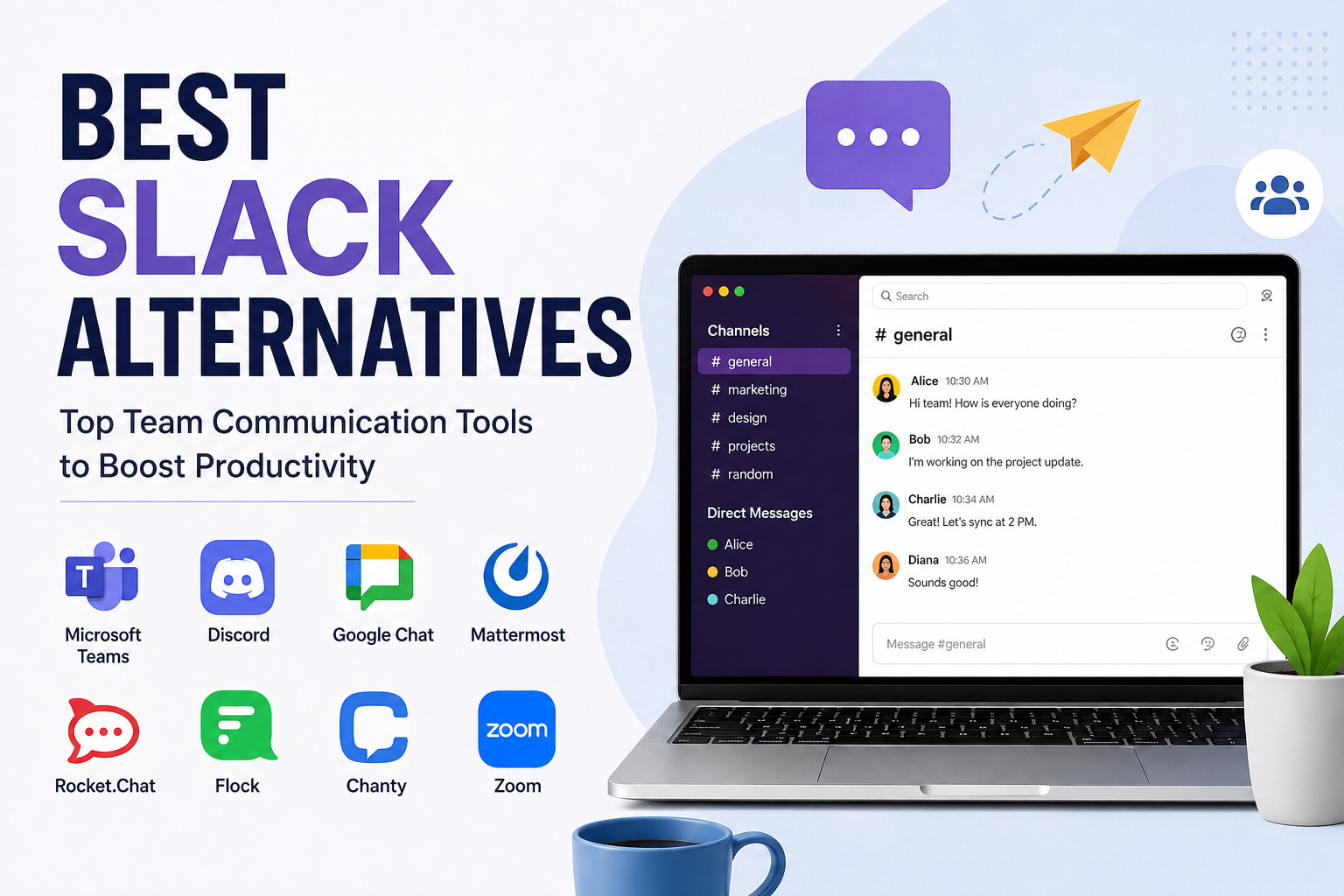
When I think about team communication, Slack is one of the first tools that comes to mind. It has become popular among businesses, freelancers, students, remote teams, and online communities because it makes communication easier and more organized. However, Slack is not the perfect choice for everyone.
Depending on the size of a team, budget, work style, and required features, another communication platform may be a better option. This is why I think it is useful to know about different Slack alternatives before deciding which tool to use.
In this article, I will discuss some of the best Slack alternatives and explain what makes each one useful. My goal is not to say that one tool is better for everyone. Instead, I want to help you understand the available choices so you can select something that fits your own needs.
Why Look for Slack Alternatives?
Slack offers channels, direct messages, file sharing, notifications, integrations, and many other useful features. Still, some users may find its interface overwhelming, especially when there are many channels and conversations happening at the same time.
Pricing can also become an important factor as a team grows. Some businesses may want a platform that combines communication with video meetings, project management, document collaboration, or other features.
Another reason to consider alternatives is simplicity. In my opinion, some teams do not need a large number of features. They simply want a reliable place where team members can communicate, share files, and hold meetings.
The good thing is that there are many platforms available today, so users are not limited to one solution.
Microsoft Teams
Microsoft Teams is one of the most well known alternatives to Slack. I consider it particularly useful for businesses that already use Microsoft products.
Teams combines messaging, video meetings, file sharing, calendars, and collaboration features in one platform. It can work closely with Microsoft 365 applications such as Word, Excel, PowerPoint, and Outlook.
One thing I like about Teams is that it can reduce the need to switch between different applications. A team can communicate while also working with documents and scheduling meetings.
For larger organizations, Microsoft Teams can be an attractive option because it provides a broad set of business communication features.
However, beginners may need some time to understand all of its features. If your team only needs simple messaging, Teams might feel more complicated than necessary.
Discord
Discord started with a strong connection to gaming communities, but it has developed into a platform that can be used for many different types of communities and teams.
Discord provides text channels, voice channels, video communication, file sharing, and community features. I find its channel based structure useful when different discussions need to stay separate.
For small online teams, creators, communities, and groups, Discord can be an interesting Slack alternative. Its voice channels can also make casual communication easier because people can join a voice room without arranging a formal meeting.
The biggest advantage, in my opinion, is its community focused environment. However, businesses looking for a traditional workplace communication system may prefer something more professional and business oriented.
Google Chat
Google offers Google Chat as part of its communication and collaboration ecosystem. If someone already uses Google Workspace, Google Chat can be a convenient choice.
It supports direct messages, group conversations, spaces, and collaboration with other Google services. Teams can use it alongside applications such as Gmail, Google Drive, and Google Calendar.
I think Google Chat makes the most sense for people who already depend heavily on Google’s productivity tools. Instead of adding another completely separate platform, users can keep communication connected with the tools they already use.
Its interface is also relatively straightforward. For organizations that want simple communication combined with Google Workspace, it is worth considering.
Mattermost
Mattermost is another Slack alternative that I find interesting, especially for teams that care about control and customization.
Mattermost is known for its open source approach and can be deployed in environments where organizations want more control over their data and infrastructure.
This can be useful for technical teams, developers, and organizations with specific security or privacy requirements. Teams can customize the platform according to their needs rather than relying entirely on a hosted service.
The downside is that it may require more technical knowledge compared with simpler communication platforms. For someone who wants a tool that works immediately without much setup, another option might be easier.
Rocket.Chat
Rocket.Chat is another platform worth looking at if you want an alternative with an emphasis on customization and self hosting.
It provides messaging, channels, file sharing, audio and video communication, and integrations. Its open source nature can be attractive to organizations that want greater control over how their communication system operates.
From my point of view, Rocket.Chat is especially interesting for technical organizations and teams that prefer having more control over their infrastructure.
However, self hosting can require additional work. You may need technical knowledge to install, maintain, update, and secure the system.
Flock
Flock is designed around workplace communication and collaboration. It includes messaging, channels, file sharing, video meetings, and productivity features.
What I like about platforms such as Flock is the attempt to combine communication with workplace productivity. Instead of only sending messages, teams can use additional tools to organize their work.
For small and medium sized businesses, this type of platform can be useful because employees may not need several separate applications.
Whether it is the right choice depends on the specific features your team uses every day.
Chanty
Chanty is another communication tool designed for teams that want messaging combined with task management.
Its approach can be useful for smaller teams that want to keep communication and basic task organization in one place.
I think this can be helpful when a team does not want a complicated project management system. Team members can discuss work and keep track of tasks without constantly moving between different platforms.
For very large organizations with complex workflows, however, a more advanced collaboration platform may be a better fit.
Zoom
Zoom is best known for video meetings, but it also offers communication and collaboration features.
If your team depends heavily on video calls, Zoom can be a strong alternative to a traditional messaging focused platform. Meetings, conversations, and collaboration can be brought together in the same general ecosystem.
In my experience, video communication can sometimes be more effective than long message threads. A quick meeting can solve a problem that might otherwise require dozens of messages.
However, teams that mainly need text based communication may find dedicated workplace messaging tools more convenient.
What Should You Consider Before Choosing?
Choosing a Slack alternative should not be based only on popularity. I recommend looking at how your team actually works.
First, think about team size. A platform that works well for five people may not be ideal for hundreds of employees.
Next, consider the features you need. Do you mainly need text messages, or do you also require video meetings, file sharing, task management, calendar integration, and document collaboration?
Price is another important consideration. A free plan may be enough for a small group, while a growing business may need paid features.
Security should also be considered, especially if your team handles private business information. Look at account security, data management, access controls, and administrative features before making a decision.
I would also recommend testing the user experience. A platform can have many features, but if your team finds it confusing, people may avoid using it.
Which Slack Alternative Is Best?
There is no single answer because every team is different.
For businesses already using Microsoft 365, Microsoft Teams can be a natural choice. For communities and casual groups, Discord can be useful. Google Workspace users may prefer Google Chat because it fits into their existing ecosystem.
For organizations that want more control over their communication infrastructure, Mattermost and Rocket.Chat are worth exploring.
Flock and Chanty can be interesting choices for smaller teams that want communication and productivity features together. If video meetings are the main priority, Zoom may make more sense.
Personally, I would choose a platform based on simplicity, reliability, required features, and how comfortable the team feels using it.
Final Thoughts
Slack is a powerful communication platform, but it is not the only option. The best Slack alternative depends on what you actually need from a team communication tool.
Some teams want simple messaging. Others need video meetings, task management, file collaboration, integrations, or greater control over their data. Fortunately, there are plenty of options available.
Before making a final decision, I recommend trying a few platforms with your team. A short testing period can tell you much more than a feature list.
For me, the best communication tool is not necessarily the one with the most features. It is the one that helps people communicate clearly, find important information quickly, and get their work done without unnecessary complications.
That is why comparing Slack alternatives can be worthwhile. With the right platform, team communication can become simpler, more organized, and more productive.