When I need software for my work, business, studies, or personal projects, I usually find myself looking at several SaaS tools before choosing one. There are often many options available, and at first glance, most of them can look almost the same. They may offer similar features, similar pricing plans, and even similar designs. However, after using different software tools, I have learned that choosing the right SaaS tool is not simply about picking the one with the most features.
SaaS means Software as a Service. These are software applications that we normally use through the internet without installing complicated programs on our computers. Examples include project management software, email marketing platforms, accounting tools, cloud storage services, communication platforms, and many other online applications.
In my opinion, comparing SaaS tools properly requires looking beyond the advertisements. I like to consider how useful the software will actually be in my daily work, how easy it is to use, what it costs, and whether it can grow with my needs. In this article, I will explain how I personally compare SaaS tools before making a decision.
Start With Your Main Goal
The first thing I consider is why I need the software in the first place. This sounds simple, but I believe it is one of the most important steps.
Sometimes people start comparing software by looking at features. I think this can create confusion because every SaaS company tries to show as many features as possible. Instead of asking which tool has the most features, I ask which tool can solve my actual problem.
For example, if I need a project management tool, my main goal might be to organize tasks and keep track of deadlines. In that case, I do not necessarily need dozens of advanced features. I need a system that helps me manage projects without making the process complicated.
Once I understand my main goal, comparing different tools becomes much easier.
Make a List of Important Features
After identifying my main goal, I create a list of features that I actually need. I separate these features into essential and optional features.
Essential features are the things I cannot work without. Optional features are useful additions but are not necessary for my work.
For example, if I am comparing email marketing software, I may consider email automation, contact management, reporting, templates, and integration options important. Advanced design features may be useful, but they may not be essential.
This approach helps me avoid choosing software simply because it has a long list of features. More features do not always mean better software.
Compare Ease of Use
One of the biggest things I look at when comparing SaaS tools is ease of use. A software application can have excellent features, but if it takes too much time to understand, I may not want to use it.
I prefer tools that have a clean interface and simple navigation. I want to understand where things are without constantly searching through menus or reading complicated instructions.
I also think about other people who might use the software with me. If a tool is difficult for me to understand, it may be even harder for a team member or client who is not familiar with technology.
For this reason, I usually recommend trying a free trial or free version before paying for a SaaS product. Spending some time inside the actual software can tell me much more than reading a sales page.
Look Carefully at Pricing
Pricing is another major factor when I compare SaaS tools. I never look only at the starting price because the cheapest plan may not include everything I need.
I check what is included in each pricing level. I also look at user limits, storage limits, automation limits, integrations, customer support, and other restrictions.
Sometimes a SaaS tool may appear cheap at first but become expensive when I need additional users or advanced features. Another tool may have a higher starting price but include more useful features in its basic plan.
I also consider whether the software charges monthly or annually. Annual plans can sometimes reduce the overall cost, but I prefer to test the software first before making a long term commitment.
For me, the best value is not always the lowest price. It is the tool that gives me the features I need at a price that makes sense for my situation.
Check the Free Trial
I think a free trial is one of the best ways to compare SaaS tools. Screenshots and promotional videos can make almost any software look impressive. Actually using the software gives me a much better idea of what it is like.
During a trial, I try to perform the tasks I would normally do. I do not just click around randomly. If I need the tool for managing projects, I create a sample project. If I need it for writing, I test the writing workflow. If I need it for communication, I test the messaging and collaboration features.
This helps me discover problems that may not be obvious from the website.
Compare Performance and Reliability
A SaaS tool needs to be reliable because I may depend on it every day. If the service frequently becomes slow or unavailable, it can affect my productivity.
When comparing tools, I look at how stable the platform feels during normal use. I also consider whether the company provides information about service availability and system problems.
I pay attention to loading times, responsiveness, and how smoothly the software works across different devices.
A beautiful interface is not very useful if the application constantly freezes or takes too long to load.
Consider Security and Privacy
Security is something I take seriously when choosing online software. SaaS applications often handle important information, including documents, customer data, business information, or personal files.
Before choosing a tool, I try to understand how the company protects user information. I look for basic security information, account protection options, encryption details, backup policies, and privacy information.
If I am using software for business purposes, I also consider whether it provides features such as two factor authentication and user permission controls.
I believe a SaaS tool should not only be convenient but should also provide reasonable protection for the information stored inside it.
Check Integrations
Another important thing I compare is integration with other tools.
Most people today use multiple online services. I may use one application for communication, another for documents, another for payments, and another for project management. If these tools can connect with each other, my workflow becomes much easier.
For example, a project management tool that connects with my calendar and communication software can save me time.
Before choosing a SaaS product, I check whether it supports the applications I already use. I also think about whether I might need additional integrations in the future.
Look at Customer Support
Customer support is easy to ignore when everything is working normally. However, I have found that support becomes very important when something goes wrong.
I check what support options are available. Some SaaS companies offer email support, live chat, help centers, tutorials, and community forums. Others may provide priority support only with expensive plans.
I also look at how easy it is to find answers. A good knowledge base can save a lot of time when I have a simple problem.
In my opinion, good customer support can make a big difference, especially when the software is an important part of my daily work.
Read User Reviews
I also like to read reviews before making a final decision. Reviews can show me problems that are not always mentioned on the official website.
I try to read both positive and negative reviews because I want a balanced picture. Positive reviews can explain what people like about a tool, while negative reviews can reveal limitations.
However, I do not make my decision based on one review. Different users have different needs. A problem that is serious for one person may not matter to me.
I look for repeated patterns in reviews. If many users mention the same problem, I take that seriously.
Think About Scalability
If I am choosing software for a business, I always think about the future. A tool might work perfectly for a small operation but become difficult to manage as the business grows.
I consider whether I can add more users, projects, storage, or customers without changing platforms.
Switching software later can take time and may also create unnecessary costs. Therefore, I prefer choosing a tool that can support my needs for a reasonable period of time.
This does not mean I should always choose the most advanced software. I simply want something that has enough flexibility to grow with me.
Compare the Overall Experience
After checking features, pricing, support, security, integrations, and other factors, I like to step back and consider the overall experience.
I ask myself a simple question: Would I actually enjoy using this software regularly?
This question is important because software becomes part of my routine. If I find it frustrating every day, even a cheap product can become expensive in terms of lost time and productivity.
I also consider which tool feels more natural to me. Sometimes one platform may have fewer features but provide a much smoother experience.
Create a Simple Comparison Table
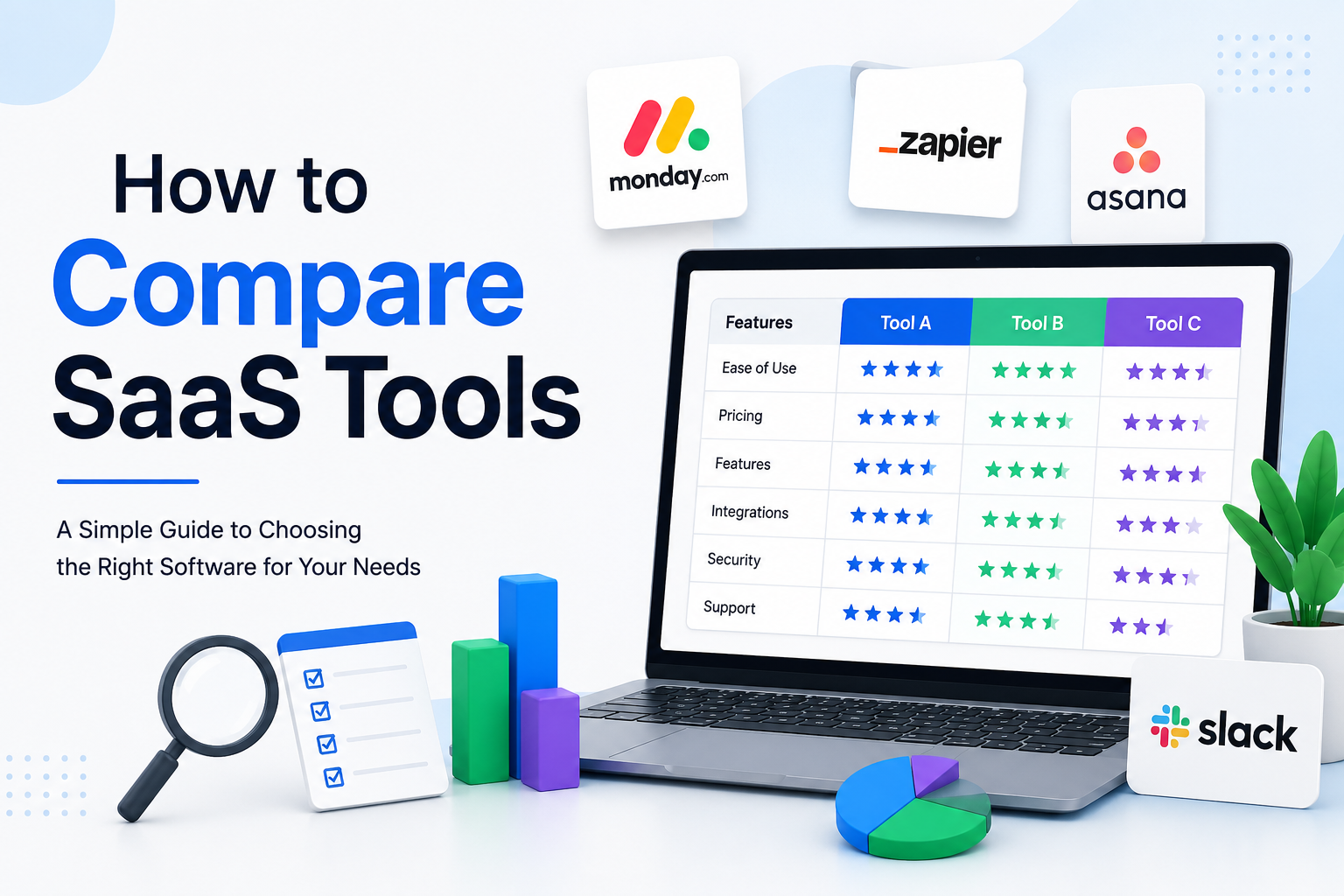
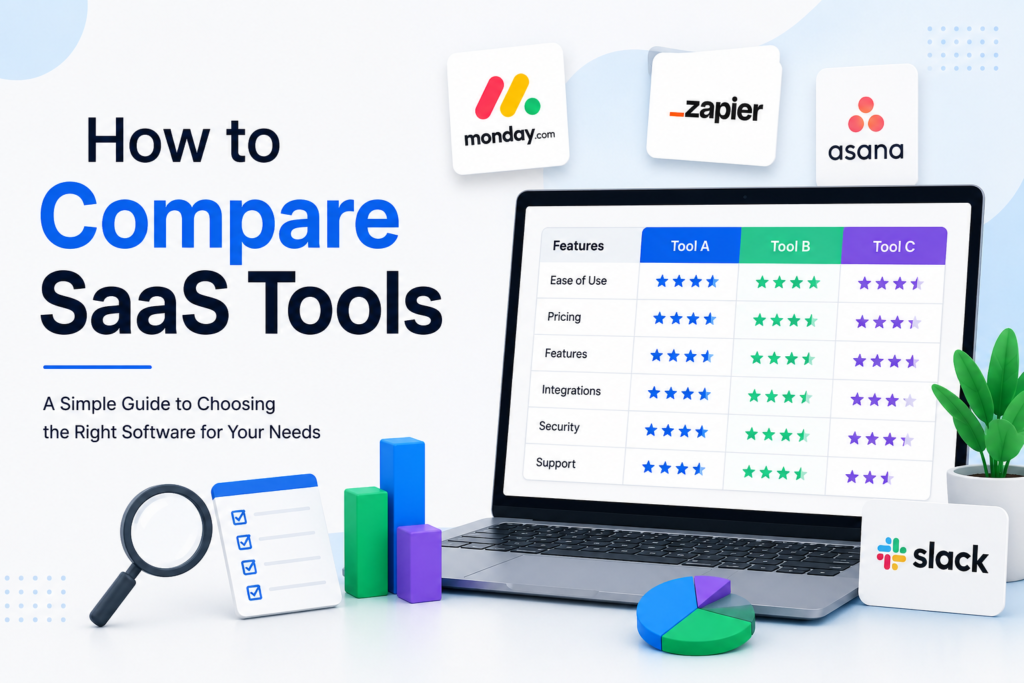
When I have several SaaS tools to compare, I find it useful to create a simple table.
I might compare the tools based on features, price, ease of use, integrations, customer support, security, and scalability. I can then give each category a simple rating.
This makes the decision more objective. Instead of choosing based only on feelings or marketing claims, I can see how each tool performs according to my actual requirements.
Do Not Choose Based Only on Price
One mistake I try to avoid is choosing software only because it is cheap.
Saving money is important, but a cheaper tool can become expensive if it wastes my time or does not provide the features I need.
At the same time, I do not believe expensive software is automatically better. The goal is to find the right balance between cost and value.
I ask myself whether the software will save me time, improve my work, reduce mistakes, or help me achieve better results. If the answer is yes, paying a little more may be reasonable.
My Final Approach to Comparing SaaS Tools
For me, comparing SaaS tools is about finding the right fit rather than finding the most popular product.
I start by identifying my main goal. Then I list the features I actually need and compare different tools based on usability, pricing, performance, security, integrations, support, reviews, and future growth.
I always try to test software before committing to a long term plan whenever possible. A free trial can reveal a lot about whether a product is truly suitable for my workflow.
The most important lesson I have learned is that there is no single SaaS tool that is perfect for everyone. The best software is the one that solves my problems without creating unnecessary complexity.
Before choosing any SaaS tool, I believe it is worth taking a little extra time to compare the available options. A thoughtful decision can save money, reduce frustration, and make everyday work much easier.