Choosing the right SaaS software can feel simple at first, but when I actually started looking at different options, I realized that it is not always easy. There are hundreds of SaaS tools available for almost every type of work. Some are designed for project management, some for communication, some for marketing, and others are built for accounting, customer management, writing, design, or team collaboration.
In my opinion, the biggest mistake people make is choosing software only because it looks popular or because someone recommends it. A tool that works perfectly for one person may not be useful for another person at all. I believe the best SaaS software is the one that fits your actual needs, budget, skills, and daily workflow.
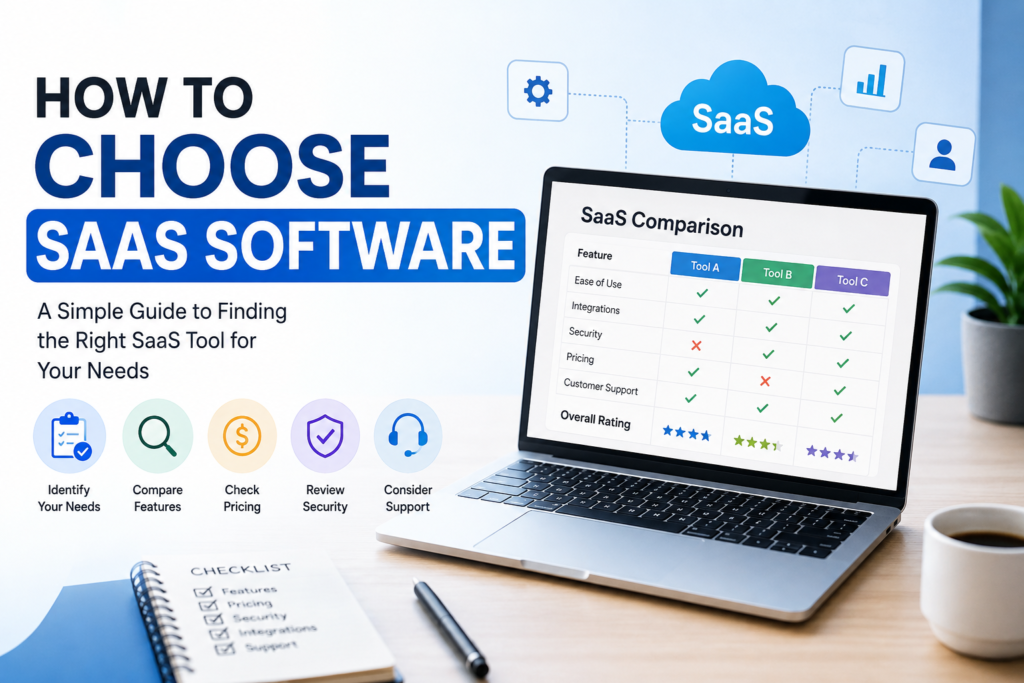
In this article, I will share how I personally think about choosing SaaS software and what things I would check before paying for any subscription.
Understand What You Actually Need
The first thing I would do before looking at any SaaS product is identify the problem I want to solve. This sounds obvious, but it can save a lot of time and money.
For example, if I need a tool to organize my tasks, I do not need ten different features that I will never use. I only need something that makes task management easier. Similarly, if I need email marketing software, I would focus on email campaigns, automation, contact management, reporting, and other features that are important for my work.
I think it is useful to write down the main problem before searching for software. Once I know exactly what I need, comparing different tools becomes much easier.
Make a List of Important Features
After identifying my requirements, I would make a simple list of features that matter to me.
I normally divide features into three groups. The first group contains features that I must have. The second group contains features that would be useful but are not necessary. The third group contains features that I probably will not use.
This approach helps me avoid getting distracted by a long list of impressive features.
For example, if I am choosing project management software, I might consider task management, team collaboration, file sharing, notifications, calendar integration, and reporting important. If a particular tool has fifty other features but does not handle my basic tasks well, I would not consider it a good choice.
For me, useful features are more important than having the largest feature list.
Check the Pricing Carefully
Pricing is one of the most important things I consider when choosing SaaS software. Many SaaS products have monthly or yearly subscriptions, so the cost can continue for a long time.
A tool that costs a small amount every month may not seem expensive, but when I calculate the yearly cost, it can become a significant expense. This is why I always look at the complete pricing structure before making a decision.
I would check whether the software has a free plan, free trial, monthly plan, yearly plan, or additional charges for extra users and features.
I also pay attention to what happens when my needs grow. Some SaaS tools may look affordable when I have only a few users, but the price can increase quickly when I add more team members.
The cheapest option is not always the best option, but the most expensive option is not automatically the best either. I believe the right choice should provide enough value for the money.
Try the Software Before Paying
One thing I strongly recommend is trying SaaS software before purchasing it. If a company provides a free trial, I would always use it before making a long term commitment.
A website can make software look amazing, but using it yourself can give you a completely different impression.
During a trial, I would perform the actual tasks I expect to do every day. I would not simply open the dashboard and look around. I would create projects, upload files, test settings, invite users, connect other tools, and explore the features that are important to me.
This helps me understand whether the software is actually practical.
Sometimes I find that a tool has many features but the interface feels confusing. In other cases, a simple tool may feel much easier and more comfortable to use. For me, the real experience matters more than promotional screenshots.
Think About Ease of Use
I believe good SaaS software should make my work easier, not create more work.
If I need to watch hours of tutorials just to understand basic functions, I would think carefully before choosing that software. Some advanced tools naturally require learning, but the basic workflow should still be understandable.
Ease of use becomes even more important when several people are going to use the same software. If the interface is complicated, employees may avoid using certain features or make mistakes.
I prefer software with a clean interface, clear navigation, and simple settings. A professional looking design is nice, but usability is more important to me.
Check Integrations
Modern work often involves multiple tools. Because of this, I always think about integrations when choosing SaaS software.
For example, I may use separate tools for email, accounting, communication, file storage, customer management, and project management. If these tools can communicate with each other, my workflow becomes much easier.
Before choosing a SaaS product, I would check whether it integrates with the services I already use.
I would also check whether the integration is included in my subscription or requires a more expensive plan. Sometimes a software product advertises many integrations, but important integrations are only available on higher plans.
Good integrations can save time and reduce repetitive work, so I consider them an important part of the decision.
Look at Security and Privacy
Security is something I would never ignore, especially when software will store important business or personal information.
SaaS platforms may handle customer information, financial data, documents, passwords, or other sensitive information. Because of this, I want to know how the company protects my data.
I would look for information about security practices, data protection, account security, backups, access controls, and privacy policies.
I would also check whether the service supports features such as two factor authentication and user permissions.
In my opinion, saving money on software is not worth it if the service does not take security seriously.
Consider Customer Support
Customer support may not seem important when everything is working properly, but it becomes very important when something goes wrong.
Before choosing a SaaS tool, I would check how customers can contact support. Some companies provide email support, while others offer live chat, help centers, community forums, or phone support.
I would also look at the quality of their documentation. A detailed knowledge base can help me solve small problems without waiting for support.
If the software is going to be important for my business, reliable customer support becomes even more valuable.
Read Real User Reviews
I never like making a decision based only on the company’s own website. Of course, companies want to present their products in the best possible way. That is why I also look at what real users are saying.
When reading reviews, I try to find common patterns rather than focusing on one extremely positive or negative comment.
If many users complain about the same issue, I take it seriously. For example, repeated complaints about poor customer support, unexpected pricing changes, difficult cancellation, or frequent technical problems can be warning signs.
At the same time, I understand that no software is perfect. A few negative reviews do not automatically mean that the product is bad.
Think About Scalability
If I am choosing software for a business, I also think about the future.
Maybe I only have a small team today, but my business could grow. If the software cannot support additional users, more customers, or larger amounts of data, I may have to migrate to another platform later.
Changing software can take a lot of time. It can also involve moving data, training employees, changing workflows, and reconnecting other services.
For this reason, I prefer SaaS software that can grow with my needs.
Avoid Paying for Features You Will Not Use
One of the easiest ways to waste money on SaaS software is paying for features that I never use.
Some premium plans include advanced reporting, automation, administration tools, and other features that may be useful for larger organizations but unnecessary for individual users.
I always ask myself whether a feature will actually improve my work.
If the answer is no, I do not consider it a reason to upgrade.
Check the Cancellation Process
Before subscribing, I also like to understand how cancellation works.
Some SaaS services make cancellation very simple, while others may require several steps. I want to know whether I can cancel whenever I want and what happens to my data after cancellation.
I also check whether there are annual commitments or automatic renewals.
Understanding these details beforehand can prevent unpleasant surprises later.
Make the Final Decision Based on Value
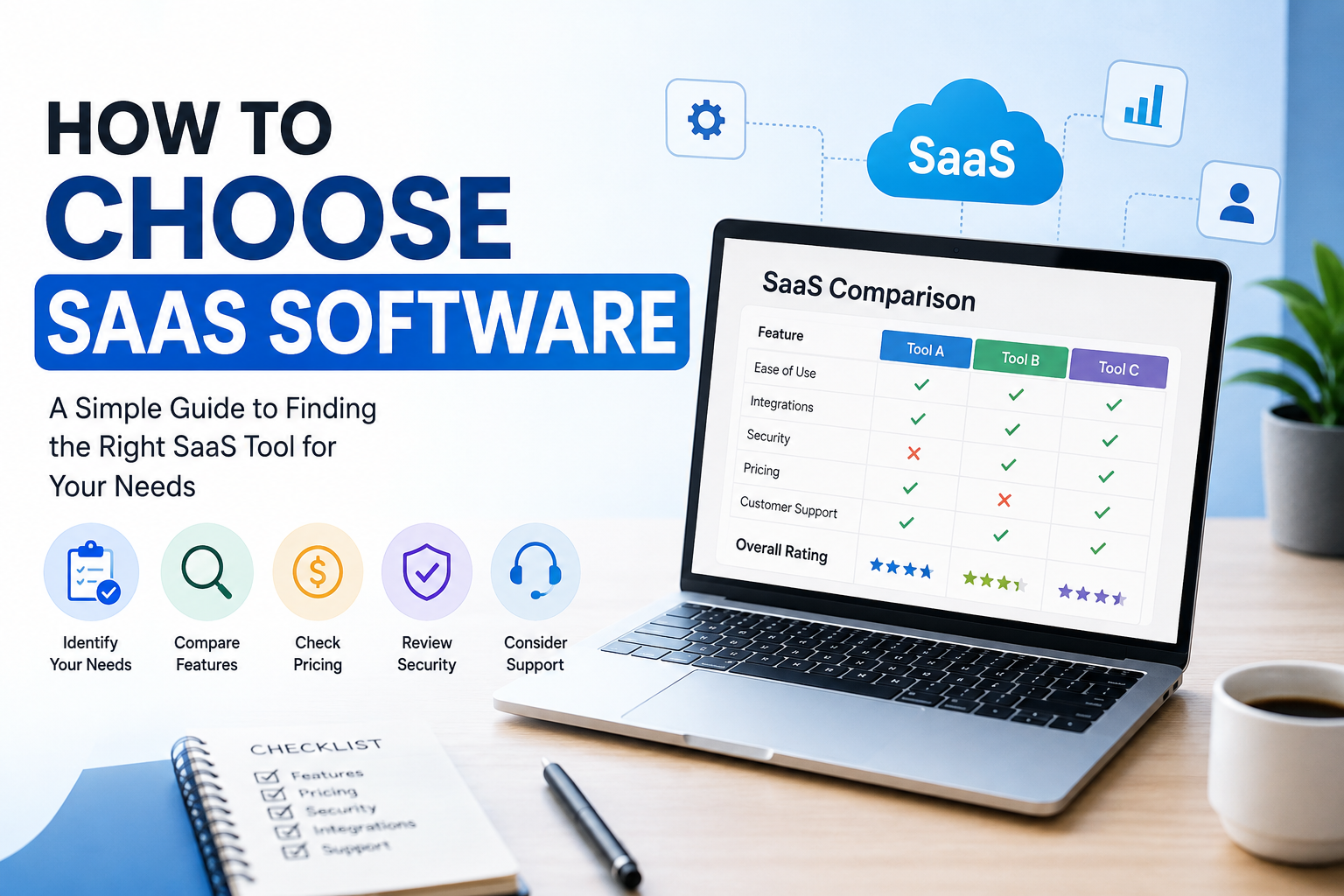
After checking features, pricing, usability, security, support, reviews, integrations, and scalability, I would compare the final options based on value.
For me, value is not simply about price. A slightly more expensive tool can be a better choice if it saves several hours of work every week.
On the other hand, paying more for features that I do not need does not make sense.
I try to find the balance between cost, quality, reliability, and usefulness.
Final Thoughts
Choosing SaaS software does not have to be complicated if I start with the right questions. Instead of choosing a tool because it is popular, I think it is better to first understand the problem I want to solve.
I would look at the features I actually need, compare pricing, use a free trial when possible, test the software myself, check integrations, consider security, read user reviews, and think about future growth.
In my experience, the best SaaS software is not necessarily the one with the longest feature list. It is the one that fits naturally into my workflow and helps me get more done with less effort.
Before paying for any SaaS subscription, I would always ask myself one simple question: will this software genuinely make my work easier? If the answer is yes and the price makes sense for the value it provides, then it is probably worth considering.