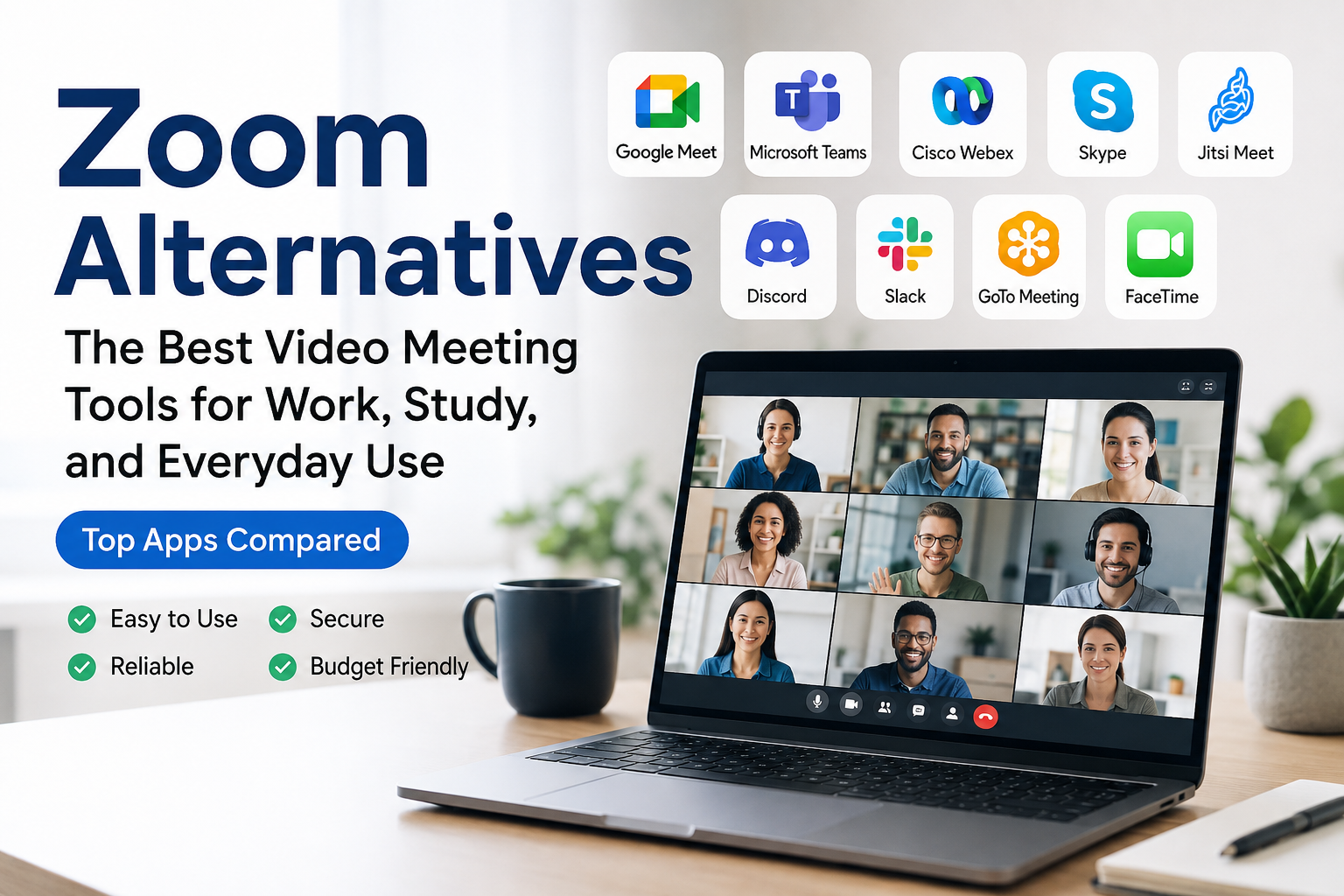
When I think about video meeting apps, Zoom is probably one of the first names that comes to mind. It became extremely popular because it made online meetings simple for almost everyone. Whether someone is working from home, attending an online class, talking with clients, or meeting friends, Zoom has been a common choice.
However, I do not think Zoom is the only option anymore. There are many Zoom alternatives available today, and some of them can be a better choice depending on what you actually need. Some focus on business meetings, while others are better for online classes, team collaboration, or casual conversations.
In this article, I want to share some of the best Zoom alternatives and explain what makes each one useful. My goal is not to say that one platform is perfect for everyone. Instead, I want to help you understand the options so you can choose the one that fits your needs.
Why Consider Zoom Alternatives?
Before looking at alternatives, I think it is worth asking why someone would want to move away from Zoom in the first place.
The biggest reason is that different people have different requirements. A small team may not need the same features as a large company. A teacher may need classroom tools, while a freelancer may simply want reliable video calls with clients.
Pricing can also be a factor. Depending on how frequently you hold meetings and how many people need access, another platform may offer a plan that works better for you.
Another reason is integration. If you already use a particular productivity platform, choosing a video meeting service that works naturally with it can save time.
For these reasons, I think comparing Zoom with other platforms is a smart idea before making a final decision.
1. Google Meet
Google Meet is one of the first Zoom alternatives I would recommend to people who already use Google services.
The biggest advantage for me is its connection with the Google ecosystem. It works well with services such as Google Calendar and Gmail, which makes scheduling and joining meetings convenient.
I also like the fact that users do not necessarily need to install a separate desktop application just to join a meeting. Depending on the device and setup, meetings can be accessed through a web browser.
Google Meet is useful for students, teachers, remote workers, freelancers, and businesses. If your daily work already revolves around Google Workspace, it can feel like a natural choice.
For simple online meetings, I think Google Meet is one of the easiest alternatives to consider.
2. Microsoft Teams
Microsoft Teams is another major option, especially for businesses and organizations that already use Microsoft products.
What makes Teams different is that it is more than just a video meeting application. It combines communication, meetings, file sharing, collaboration, and team organization in one environment.
For example, a company can create teams and channels for different departments or projects. Employees can communicate, share files, and organize meetings without constantly switching between different applications.
In my opinion, Microsoft Teams can be especially useful for companies that already use Microsoft 365. The integration can make everyday work much more organized.
For someone who only wants occasional video calls, Teams might feel like more than they need. But for professional teamwork, it is definitely worth considering.
3. Cisco Webex
Cisco Webex is another established video conferencing platform. I would consider it more suitable for professional users and businesses that need a serious communication solution.
Webex provides video meetings, online collaboration features, screen sharing, and other tools designed for professional communication.
One thing I appreciate about platforms like Webex is that they are designed with business communication in mind. Companies that have larger teams or more advanced meeting requirements may find it useful.
If your main purpose is casual calls with friends, you probably do not need such a business focused platform. But if you are managing professional meetings, Webex can be a strong alternative.
4. Skype
Skype has been around for many years, so many people are already familiar with it.
Although newer platforms have received a lot of attention, Skype remains a recognizable option for online communication. It can be useful for video calls, voice calls, and messaging.
I think Skype is particularly interesting for people who already have contacts and communication habits built around the platform.
Its long history also means that many users are comfortable with its basic interface and features.
For simple communication, Skype can still be considered when comparing alternatives to Zoom.
5. Jitsi Meet
If you are looking for a simple video meeting solution, Jitsi Meet is worth checking out.
One thing that makes Jitsi interesting is its focus on straightforward online meetings. Users can join meetings without needing a complicated setup.
I like this kind of approach because sometimes I do not want to create a complicated workspace just to have a quick video conversation.
Jitsi can be useful for small groups, casual meetings, communities, and people who prefer simple tools.
It may not offer the same overall business ecosystem as some larger platforms, but simplicity can actually be its biggest advantage.
6. Discord
Many people know Discord as a communication platform for gaming communities, but it has grown into something much broader.
Discord provides voice channels, video calls, text communication, screen sharing, and community features.
I think Discord is especially useful for communities and groups that want ongoing communication rather than individual scheduled meetings.
For example, a group can create a server and have different channels for different topics. Members can communicate whenever they are available.
This makes Discord different from traditional meeting platforms. Instead of opening an application only when a meeting starts, people can stay connected throughout the day.
For casual communities, gaming groups, study groups, and online communities, Discord can be an interesting Zoom alternative.
7. Slack
Slack is primarily known as a workplace communication platform, but it also provides video and audio communication features.
For teams that already use Slack for daily conversations, having communication and meetings connected in one place can be convenient.
I personally think the biggest benefit is reducing the number of applications a team has to manage. If your team already discusses projects, shares files, and organizes conversations in Slack, using its communication features can make the workflow simpler.
However, if your main requirement is advanced video conferencing, another platform may be a better fit.
8. GoTo Meeting
GoTo Meeting is another option aimed mainly at professional users.
It is designed for online meetings, remote collaboration, and business communication. Companies looking for a dedicated meeting platform may find it useful.
One reason I would consider GoTo Meeting is its professional focus. Instead of trying to be everything for everyone, platforms like this concentrate on online meetings and collaboration.
It can be worth comparing if your business regularly communicates with remote employees, customers, or clients.
9. FaceTime
For people inside the Apple ecosystem, FaceTime can be a very convenient option.
It is particularly useful for personal communication and conversations with friends, family, or colleagues who use Apple devices.
The main advantage is simplicity. If everyone involved already uses compatible Apple devices, there may be little reason to introduce another meeting platform for casual conversations.
I would not choose FaceTime as my first option for managing a large business meeting, but for personal video calls, it can be extremely convenient.
How to Choose the Right Zoom Alternative
After looking at all these options, you might still be wondering which one you should actually use.
For me, the answer depends on the purpose.
If I wanted a simple meeting platform connected to Google services, I would look at Google Meet.
If I were working with a company that uses Microsoft 365, Microsoft Teams would make a lot of sense.
For professional business meetings, Cisco Webex or GoTo Meeting could be worth considering.
For communities and casual group communication, Discord is an interesting choice.
For simple conversations between Apple users, FaceTime can be enough.
I also recommend considering the number of participants you usually have. A platform that works perfectly for five people may not be the best option for a large organization.
You should also think about screen sharing, recording, chat features, calendar integration, security, device compatibility, and pricing.
What About Free Zoom Alternatives?
One of the biggest questions people have is whether they can replace Zoom without spending money.
The good news is that several platforms offer free options or basic features that can be enough for personal use.
However, free plans often come with limitations. These can include restrictions on meeting duration, participant numbers, storage, recording, or advanced administration features.
This is why I would not choose a platform simply because it has a free plan. I would first look at what features are included and whether those features match my actual needs.
For personal meetings, a free option may be completely sufficient. Businesses, however, may need to pay for additional features.
Final Thoughts
In my opinion, there is no single Zoom alternative that is perfect for everyone.
Zoom remains a popular video conferencing platform, but the growing number of alternatives gives users more freedom to choose a tool that matches their situation.
Google Meet is convenient for Google users. Microsoft Teams is powerful for organizations using Microsoft 365. Cisco Webex and GoTo Meeting are worth considering for professional communication. Discord is excellent for communities, while Skype and FaceTime can work well for simpler conversations.
The most important thing is to think about what you actually need instead of choosing an application simply because it is popular.
I believe the best video meeting platform is the one that feels easy to use, works reliably on your devices, provides the features you need, and fits your budget.
Before choosing one, I would recommend trying a few platforms yourself. A short test meeting can tell you more than a long list of features. Once you find a platform that works naturally with your daily routine, switching away from Zoom becomes much easier.