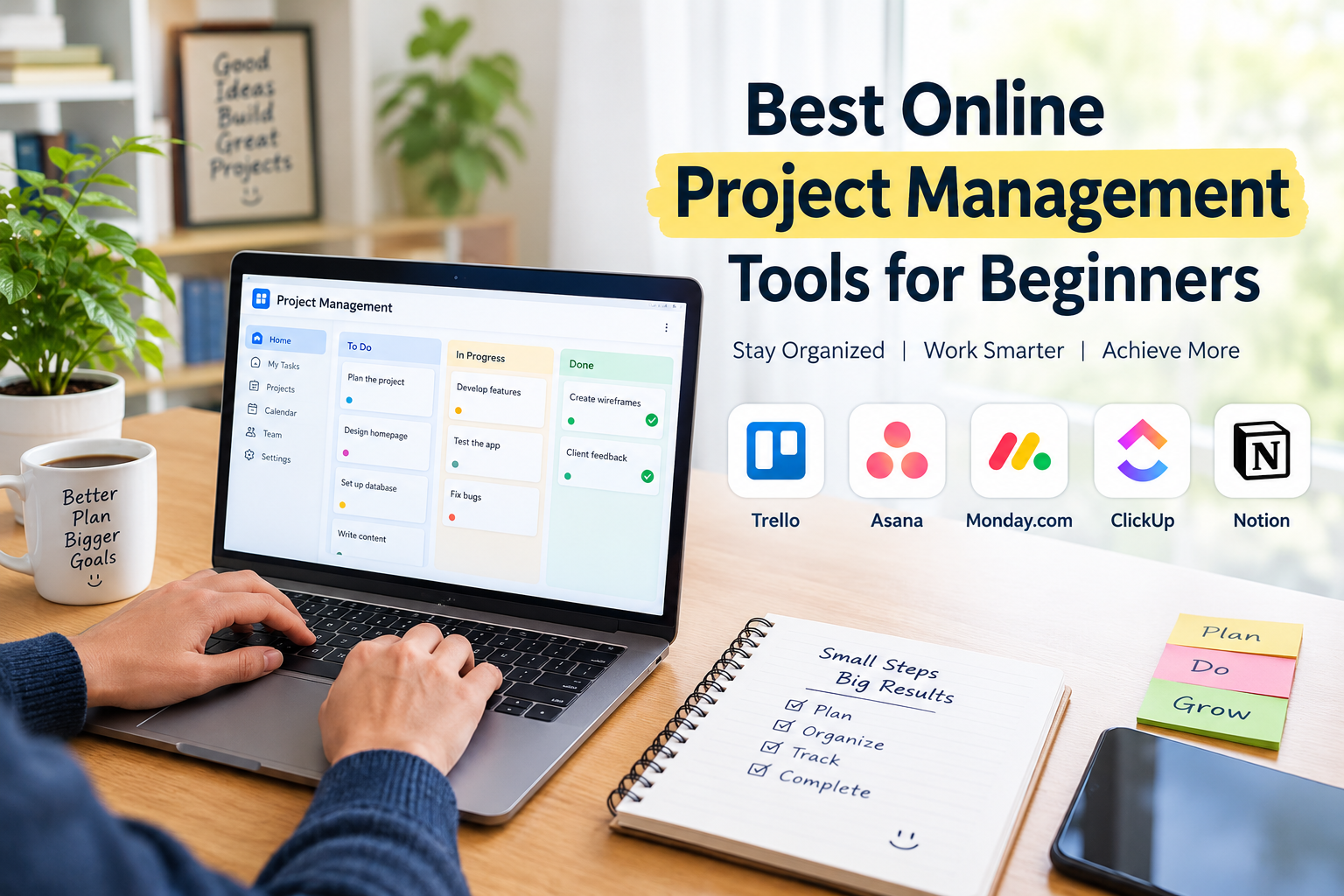
Managing projects can feel confusing when you are just starting out. Whether you are running a small business, working as a freelancer, managing a remote team, or handling personal tasks, keeping everything organized is not always easy. Deadlines, meetings, client requests, and daily responsibilities can quickly become overwhelming.
This is where the best online project management tools for beginners can make a real difference.
In my experience, the right project management software is not necessarily the one with the most features. It is the one that helps you organize your work, understand your priorities, and complete tasks without wasting time learning complicated systems.
Today, many online project management tools offer free plans, simple dashboards, task tracking, and team collaboration features. This makes it easier for beginners to start managing projects professionally without investing a large amount of money.
In this guide, I will discuss some of the most useful project management tools for beginners, their features, benefits, and how to choose the right option for your needs.
What Are Online Project Management Tools?
Online project management tools are software applications that help individuals and teams plan, organize, track, and complete projects from one place.
Instead of managing everything through notebooks, spreadsheets, or endless email conversations, you can use a project management platform to keep your work organized.
Most tools allow users to:
- Create projects and assign tasks.
- Set deadlines and reminders.
- Track project progress.
- Share files and important documents.
- Communicate with team members.
- Organize work using boards, calendars, or lists.
For beginners, these features can make daily work much easier. You do not need advanced project management knowledge to get started with most modern platforms.
Best Online Project Management Tools for Beginners
1. Trello
Trello is one of the most beginner friendly project management tools available today. Its visual interface makes it easy to understand how tasks move from one stage to another.
Key Features
- Visual Kanban boards
- Drag and drop task management
- Custom lists and cards
- Due dates and checklists
- Team collaboration
- Integrations with other applications
What I like about Trello is its simplicity. You can create a board for a project and divide it into columns such as To Do, In Progress, and Completed.
For example, a content creator can use Trello to manage blog topics, writing tasks, editing, and publishing schedules.
Trello is particularly useful for freelancers, students, small businesses, and individuals who want a straightforward way to organize their work.
Its free plan provides a starting point for beginners, although some advanced features require a paid subscription.
2. Asana
Asana is another popular online project management tool designed to help teams organize tasks and manage projects efficiently.
It provides a clean interface with several ways to view your work. Beginners can start with simple task lists and gradually explore more advanced features.
Key Features
- Task assignment
- Project timelines
- Calendar views
- Task dependencies
- Progress tracking
- Team communication
One useful feature of Asana is the ability to assign responsibilities to different team members. This helps everyone understand what they need to complete and when it is due.
For example, a small marketing agency can create separate projects for social media campaigns, content production, and client work.
Asana is suitable for beginners who want to develop better planning habits while keeping their teams organized.
3. Monday.com
Monday.com is a work management platform that helps users organize projects through colorful dashboards and customizable workflows.
Its visual design makes project information easier to understand, especially for people who prefer seeing tasks arranged in tables and boards.
Key Features
- Customizable project boards
- Task status tracking
- Automation options
- Team collaboration
- Workload management
- Multiple project views
Monday.com can be useful for businesses that manage several activities at the same time.
For instance, an online store can use it to track product launches, marketing campaigns, customer requests, and operational tasks.
Although the platform offers many features, beginners can start with a basic board and add more functionality as their requirements grow.
It is worth reviewing the available plans before choosing it for a larger team.
4. ClickUp
ClickUp is an all in one productivity and project management platform. It combines task management, documentation, goals, and collaboration features in one workspace.
For beginners, ClickUp can be useful because it reduces the need to switch between multiple applications.
Key Features
- Task and project management
- Multiple workspace views
- Document creation
- Time tracking
- Goal management
- Custom workflows
I find ClickUp particularly interesting for people who want to manage different types of work from one dashboard.
A freelancer, for example, can create separate spaces for client projects, personal goals, invoices, and content planning.
However, ClickUp has many options, so new users should avoid activating every feature immediately. Starting with a simple task list is a practical way to learn the platform.
5. Notion
Notion is widely known for its flexible workspace, which combines notes, documents, databases, and project management.
It is a useful choice for beginners who want to keep project information and daily tasks together.
Key Features
- Custom project dashboards
- Task databases
- Notes and documentation
- Templates
- Team collaboration
- Calendar and board layouts
One advantage of Notion is its flexibility. You can create a simple project tracker or build a complete workspace for your business.
For example, a blogger can use Notion to organize article ideas, keyword research, publishing dates, and content updates.
Notion may require some initial setup, but its templates can make the learning process easier.
6. Basecamp
Basecamp is a project management and team communication platform designed to bring important project activities together.
It is especially useful for teams that want a central place for conversations, tasks, schedules, and documents.
Key Features
- To do lists
- Message boards
- Project schedules
- File sharing
- Team discussions
- Centralized project information
For beginners, Basecamp offers a relatively straightforward approach to managing team projects.
Instead of searching through different communication channels, team members can find project related information in one workspace.
It can be helpful for small businesses, agencies, and remote teams that value organized communication.
7. Todoist
Todoist is a simple task management application that helps users organize daily responsibilities and personal projects.
Although it is not as comprehensive as some larger project management platforms, it is an excellent starting point for beginners.
Key Features
- Task lists
- Due dates
- Recurring tasks
- Priority levels
- Project organization
- Productivity tracking
I would consider Todoist for anyone who feels overwhelmed by complicated project management software.
You can begin by adding daily tasks, setting priorities, and creating separate projects for work and personal responsibilities.
It is particularly useful for freelancers, students, and solo entrepreneurs who need a simple productivity system.
Comparison of the Best Project Management Tools
| Tool | Best For | Beginner Friendly Feature |
|---|---|---|
| Trello | Visual task management | Kanban boards |
| Asana | Team projects | Task assignments |
| Monday.com | Business workflows | Customizable dashboards |
| ClickUp | All in one productivity | Multiple project views |
| Notion | Notes and project planning | Flexible templates |
| Basecamp | Team communication | Centralized workspace |
| Todoist | Personal productivity | Simple task lists |
Each platform has a different approach to project management. The right choice depends on your project size, working style, and budget.
How to Choose the Right Project Management Tool as a Beginner
Choosing project management software becomes easier when you understand what you actually need.
Here are some important factors I recommend considering.
Ease of Use
As a beginner, you should prioritize software that feels comfortable from the first day.
A complicated dashboard can make simple tasks unnecessarily difficult. Look for clear menus, easy navigation, and helpful tutorials.
Free Plan Availability
If you are starting a business or working independently, spending money on several subscriptions may not be practical.
Many project management tools offer free plans or trial periods. Start with the features available at no cost and upgrade only when your workflow requires additional capabilities.
Always check current plan limits because pricing and features can change.
Task Management Features
A good project management platform should make it easy to create tasks, set deadlines, assign responsibilities, and monitor progress.
These basic features are more important than advanced automation when you are learning project management.
Team Collaboration
If you work with other people, consider tools that support comments, file sharing, notifications, and task assignments.
Good collaboration features help reduce confusion and keep everyone informed.
Scalability
Your requirements may change as your business grows.
Choose software that allows you to add team members, create more projects, and improve your workflows without completely changing platforms.
Benefits of Using Online Project Management Tools
Using online project management software can improve the way you handle daily responsibilities.
Better Organization
All important tasks, deadlines, and project information remain in one place. This reduces the chances of forgetting important work.
Improved Productivity
When you understand what needs to be completed first, it becomes easier to focus on meaningful tasks instead of constantly deciding what to do next.
Easier Team Communication
Project management platforms help teams share updates and discuss work without relying entirely on long email conversations.
Better Deadline Management
Task reminders and calendar views help users monitor upcoming deadlines and plan their time more effectively.
Remote Work Support
Online project management tools allow team members to access project information from different locations, making them useful for remote businesses and freelancers.
Common Mistakes Beginners Should Avoid
While project management software can be helpful, using it incorrectly can create unnecessary work.
One common mistake is selecting a platform with too many features before understanding basic project management.
Another mistake is creating too many boards, folders, and categories. This can make your workspace confusing rather than organized.
Beginners should also avoid adding unnecessary tasks or unrealistic deadlines.
My suggestion is to start with a simple workflow:
- Create one project.
- Add the tasks that need to be completed.
- Set realistic deadlines.
- Organize tasks by priority.
- Review progress regularly.
Once this system becomes comfortable, you can explore additional features.
Final Thoughts
Finding the best online project management tools for beginners is an important step toward building better work habits.
Platforms such as Trello, Asana, Monday.com, ClickUp, Notion, Basecamp, and Todoist offer different ways to organize projects and manage responsibilities.
In my opinion, beginners should focus on simplicity, affordability, and practical features rather than choosing software simply because it has a long list of capabilities.
Start with one tool, understand its basic functions, and use it consistently for a few weeks. This will help you discover whether it fits your working style.
The main purpose of project management software is to make work easier, not more complicated. With the right platform and a consistent routine, you can manage projects more confidently, improve productivity, and stay focused on your goals.
Frequently Asked Questions
What is the easiest project management tool for beginners?
Trello and Todoist are accessible starting points because they offer straightforward ways to organize tasks and track progress.
Are there free online project management tools?
Yes. Trello, Asana, ClickUp, Notion, and Todoist offer free plans with varying features and limitations.
Which project management tool is suitable for small businesses?
Asana, Trello, Monday.com, and ClickUp can support small business workflows. The appropriate option depends on team size and project requirements.
Can beginners use project management software without experience?
Yes. Most modern platforms are designed for users with different experience levels. Starting with task lists, deadlines, and simple boards makes learning easier.
Why should freelancers use project management tools?
Freelancers can use these tools to organize client work, manage deadlines, track project progress, and maintain a more consistent workflow.