Introduction
Communication is one of the most important parts of running a successful small business. Whether you are managing a remote team, working with freelancers, or handling daily business operations, having the right communication tool can make a big difference.
Slack is a popular team messaging platform that helps businesses communicate, share files, and organize conversations. However, its free plan may not provide everything a growing team needs. Some businesses also prefer simpler tools that are easier to manage and more affordable.
This is where the best free Slack alternatives for small teams become useful.
In my opinion, choosing a communication tool should not be about selecting the platform with the most features. It should be about finding something that makes teamwork easier without creating unnecessary expenses.
In this article, I will discuss some of the most useful free Slack alternatives, their features, benefits, and limitations to help small businesses make an informed decision.
Why Look for Free Slack Alternatives?
Slack works well for many teams, but it may not be the perfect choice for everyone.
Small businesses often have limited budgets, and paying for multiple software subscriptions can become expensive over time. A free communication platform can help teams stay connected while keeping operating costs under control.
Here are some common reasons to explore Slack alternatives:
- Budget limitations: Startups and small businesses often need free tools to manage expenses.
- Simple communication: Some teams only need messaging, file sharing, and basic collaboration.
- Different workflows: Every business has its own working style, and one platform may not suit everyone.
- Integration requirements: Businesses may prefer tools that connect with their existing software.
- Remote teamwork: Distributed teams need reliable communication from different locations.
The good news is that several platforms offer free plans with useful features for small teams.
Best Free Slack Alternatives for Small Teams
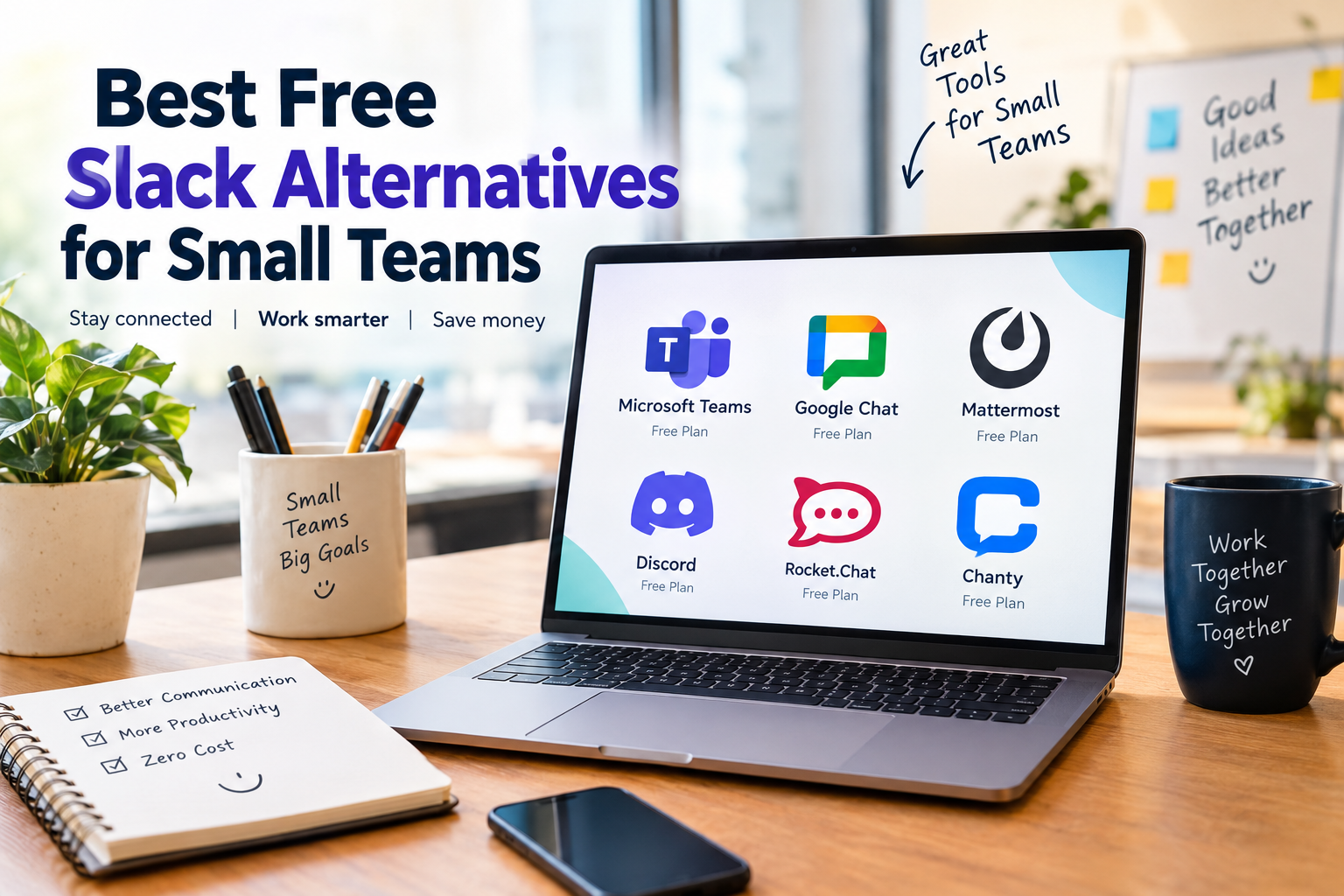
1. Microsoft Teams
Microsoft Teams is one of the well known communication platforms for businesses. It combines team messaging, meetings, file sharing, and collaboration features in one workspace.
For small businesses already using Microsoft products, Teams can be a practical option.
Key Features
- Team chats and channels
- Online meetings
- File sharing
- Collaboration with Microsoft applications
- Desktop and mobile applications
One thing I appreciate about Microsoft Teams is its ability to bring communication and productivity together. Team members can discuss projects while working with shared documents.
The free version has limitations compared with paid business plans, so it is worth checking the current feature availability before choosing it.
Best For: Small businesses that already use Microsoft 365 applications.
2. Google Chat
Google Chat is another useful free Slack alternative for small teams. It is particularly convenient for businesses that already depend on Gmail, Google Drive, and Google Workspace.
Instead of switching between different applications, team members can communicate and collaborate within the Google environment.
Key Features
- Direct messaging
- Group conversations
- Spaces for team discussions
- Google Drive integration
- File sharing
- Integration with Google Meet
In my view, Google Chat is suitable for teams that want straightforward communication without learning a complicated platform.
It may not offer the same range of advanced workflow features as some dedicated collaboration tools, but its simplicity can be an advantage.
Best For: Small teams using Google applications for everyday work.
3. Discord
Discord originally became popular among gaming communities, but its communication features also make it useful for certain small teams.
It offers text channels, voice communication, video calls, and community management features.
Key Features
- Text channels
- Voice channels
- Video communication
- Screen sharing
- File sharing
- Community management
What makes Discord interesting is its voice communication experience. Teams can create dedicated spaces for discussions and quickly communicate without scheduling a formal meeting.
However, businesses handling sensitive information should carefully review its security, access management, and compliance suitability.
Best For: Creative teams, online communities, developers, and informal remote groups.
4. Mattermost
Mattermost is a team communication platform designed with collaboration and control in mind. It is particularly interesting for technical teams and businesses that want more control over their communication environment.
Its open source availability makes it different from many traditional messaging platforms.
Key Features
- Team messaging
- Channels and direct messages
- File sharing
- Integrations
- Customization options
- Self hosting capabilities
One advantage of Mattermost is that businesses can explore self hosted deployment options when they need greater control over their infrastructure.
However, self hosting requires technical knowledge and maintenance. The availability of features also depends on the selected edition and deployment.
Best For: Developers, technical teams, and organizations that need greater infrastructure control.
5. Rocket.Chat
Rocket.Chat is another open source communication platform that can serve as a Slack alternative.
It provides messaging and collaboration features while giving organizations options for managing their own communication environment.
Key Features
- Direct messaging
- Public and private channels
- File sharing
- Voice and video communication options
- Integrations
- Self hosting options
I find Rocket.Chat worth considering for teams that want flexibility rather than depending entirely on a hosted communication service.
Its setup may require additional technical effort, especially when using self hosting.
Best For: Small businesses, developers, and teams interested in customizable communication.
6. Chanty
Chanty is a team communication platform that focuses on making collaboration straightforward.
It combines messaging with task management features, which can be helpful for small teams that want to organize work without using too many separate applications.
Key Features
- Team messaging
- Public and private conversations
- File sharing
- Task management
- Search functionality
- Audio and video communication options
For a small business, having conversations and tasks in the same environment can reduce confusion.
However, free plan limits and feature availability should be reviewed before adopting it for long term business use.
Best For: Small teams that want messaging and basic task organization together.
7. Element
Element is a communication application built around the Matrix network. It offers messaging, group conversations, and communication options designed to support user control and interoperability.
It is an interesting option for teams that value open communication standards.
Key Features
- Direct and group messaging
- Rooms for team discussions
- File sharing
- End to end encryption options
- Cross platform communication
- Self hosting possibilities
Element may require some additional learning for teams that are unfamiliar with Matrix.
For businesses that prioritize communication control and privacy features, it is worth exploring the available plans and configuration options.
Best For: Privacy conscious teams and organizations interested in open communication systems.
Comparison of the Best Free Slack Alternatives
The following table provides a quick overview of these communication platforms.
| Tool | Main Strength | Suitable For |
|---|---|---|
| Microsoft Teams | Meetings and collaboration | Small businesses |
| Google Chat | Google integration | Google Workspace users |
| Discord | Voice communication | Creative teams |
| Mattermost | Customization and control | Technical teams |
| Rocket.Chat | Flexible deployment | Developers and businesses |
| Chanty | Messaging and tasks | Small project teams |
| Element | Open communication | Privacy conscious teams |
Remember that free plan limits, storage, user access, and advanced features can change. Always check the official pricing page before making a final decision.
How to Choose the Right Free Slack Alternative
Selecting the right communication platform is not difficult when you understand your team’s actual needs.
I personally believe that small businesses should focus on usability instead of choosing software simply because it has a long feature list.
Here are some factors worth considering.
1. Ease of Use
Your team should be able to start communicating without spending several days learning the platform.
A simple interface can improve adoption and reduce unnecessary training.
2. Free Plan Limitations
Some free tools limit message history, storage, users, or integrations.
Before moving your team, check whether the free version supports your expected workload.
3. File Sharing
Small teams frequently exchange documents, images, spreadsheets, and project files.
Choose a platform that supports your daily file sharing requirements.
4. Security and Privacy
Business conversations may contain confidential information.
Review encryption, access controls, administrative settings, data retention, and compliance features according to your business requirements.
5. Integration Support
If your team already uses Google Drive, Microsoft applications, project management software, or other business tools, integration support can make everyday work easier.
6. Future Growth
A tool that works for three people may not be suitable for a team of twenty.
Consider whether the platform offers a reasonable upgrade path if your business grows.
Benefits of Using Free Team Communication Software
Free team communication software can provide several advantages for startups and small businesses.
Lower operating costs: You can reduce monthly software expenses while maintaining essential communication.
Better organization: Separate channels help teams keep discussions focused on specific projects.
Remote collaboration: Employees can communicate from different locations without depending entirely on email.
Faster communication: Direct messages and group chats can help resolve simple questions quickly.
Improved teamwork: Shared conversations and files make it easier for team members to stay informed.
However, communication software alone cannot guarantee productivity. Teams also need clear responsibilities, organized workflows, and healthy communication habits.
Are Free Slack Alternatives Good Enough for Small Businesses?
For many small teams, free communication software can be sufficient.
A startup with a few employees may only need messaging, basic file sharing, and occasional online meetings. In such situations, paying for an advanced collaboration platform may not be necessary.
On the other hand, businesses managing larger projects, confidential information, or complex workflows may need paid features.
My suggestion is to begin with the free plan, test it with your actual workflow, and upgrade only when you identify a genuine requirement.
This approach helps businesses avoid unnecessary subscriptions.
Final Thoughts
Finding the best free Slack alternatives for small teams is about understanding what your business really needs.
Microsoft Teams and Google Chat provide convenient options for businesses already using their respective productivity ecosystems. Discord offers flexible voice communication, while Mattermost and Rocket.Chat provide options for teams interested in greater customization. Chanty combines messaging with task organization, and Element offers an alternative built around the Matrix communication network.
There is no single platform that fits every business.
In my opinion, the right choice is the tool your team can use comfortably, consistently, and securely without creating additional complexity.
Start by identifying your communication requirements, test two or three platforms, and compare their free plan limitations. A thoughtful choice today can help your small business improve collaboration while keeping software costs manageable.
Frequently Asked Questions
What is the best free alternative to Slack?
Microsoft Teams, Google Chat, Discord, Mattermost, and Rocket.Chat are among the options worth exploring. The suitable choice depends on your team’s communication needs and preferred integrations.
Are there completely free Slack alternatives?
Yes. Several platforms offer free plans or open source editions. However, some features, storage limits, and administrative capabilities may require payment.
Which Slack alternative is best for remote teams?
Microsoft Teams, Google Chat, and Discord provide communication options for remote teams. The right platform depends on whether your team prioritizes meetings, productivity integrations, or voice communication.
Can small businesses use open source Slack alternatives?
Yes. Mattermost, Rocket.Chat, and Element are examples of platforms with open source components or deployment options. Businesses should review technical requirements, hosting responsibilities, and available support.
Is it easy to switch from Slack to another platform?
Switching can be straightforward for small teams, but message history, files, integrations, and user accounts may require additional planning. Review migration options before moving important business conversations.